Website UX Audit: 10 Checks Before a Redesign
Before drawing a new design, check the current site: a clear offer, navigation, mobile version, forms and trust. A ten-point checklist.
A redesign that begins with a new pretty style often repeats old problems in a new look. That is why we run a UX audit before working on the interface. Here are ten checks you can do yourself.
The checklist
- A clear offer. A new visitor understands within five seconds, on the first screen, what you do and for whom.
- Navigation. The menu contains the needed sections and item names are clear without explanation. Any page can be found in two or three steps.
- Mobile version. Check not only that it fits but that buttons are easy to tap, text is easy to read and forms can be filled in with one thumb.
- Speed. Slow loading quietly lowers conversion. Use PageSpeed Insights and pay attention to the first screen.
- Forms. How many fields can be removed? Is it clear what happens after submitting? Are error messages written in plain language?
- Calls to action. The main button is visible, its text describes the action (“Discuss a project”) and every page has a next step.
- Trust. Case studies, reviews, real contacts and an open explanation of the process. A person should feel there is a real team on the other side.
- Accessibility. Sufficient text contrast, labelled images and buttons, keyboard focus is not lost and headings go in order.
- Readable text. Short paragraphs, subheadings, no walls of text. The key points show up when skimming.
- Data instead of guesses. Look in analytics at where users leave the site and review session recordings if you have them.
What to do with the results
Sort the findings by impact and effort. Do small fixes with a big effect (a form, button text, the first screen headline) right away. Plan structural changes within a redesign or in stages.
When to ask for help
If there are many findings or it is unclear where to start, it is worth running the audit with a specialist. We help set priorities and, if needed, design new scenarios. More on the UI/UX design service page.
How we help with this
Services related to the topic of this article:
Frequently asked questions
How long does a UX audit take?
For a mid-sized site, usually from a few days to two weeks, depending on the number of scenarios and the available analytics.
Is a full redesign always needed?
No. Often it is enough to fix a few key scenarios: the first screen, forms and navigation. An audit helps you see what exactly to change.
Read next
 SEO and marketing
Text Uniqueness and SEO Quality: What to Check Before Publishing
What water, nausea and keyword stuffing really mean, how to check uniqueness and why no online service gives a hundred percent guarantee. A practical checklist for an editor.Read →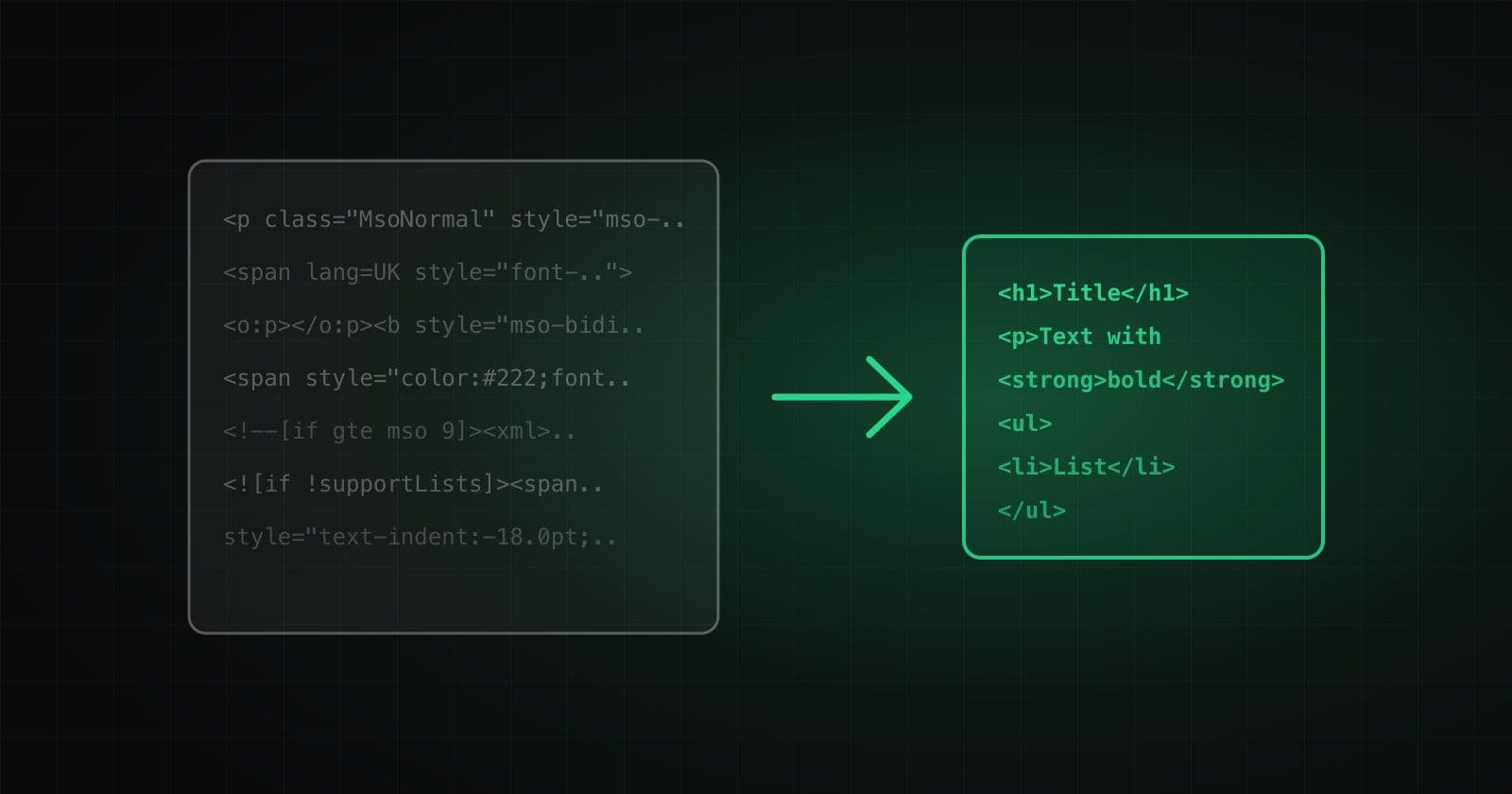 Tools and products
How to Clean HTML from Word and Google Docs Without Losing Formatting
Where the extra markup comes from when you copy text, why it hurts, what to keep and seven typical traps that break headings, lists and links.Read →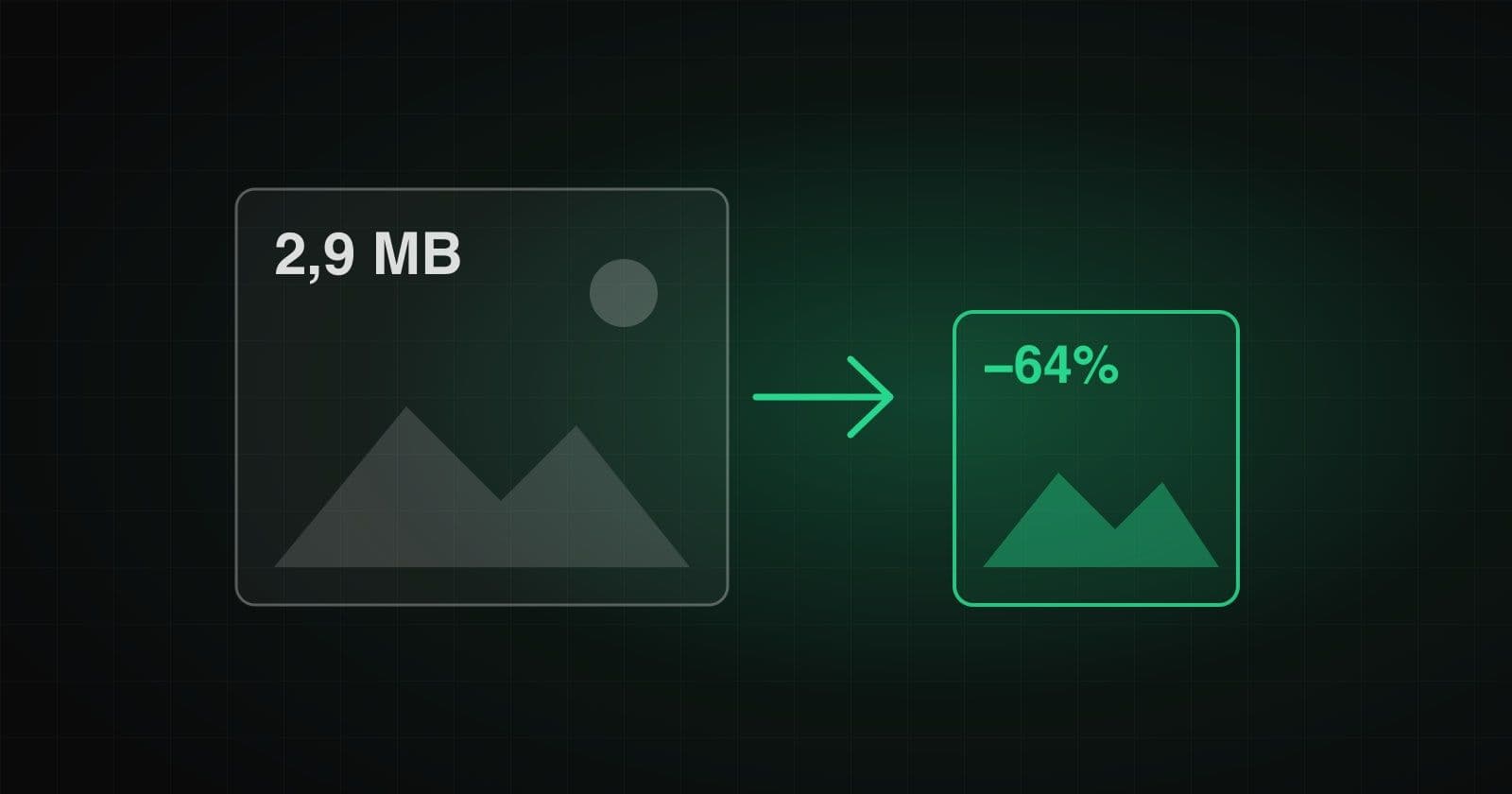 Web development
Compressing Images for a Website: What to Choose and How Not to Spoil Quality
Three levers that reduce image weight: size, format and quality. How to choose a compression level, when a palette works for PNG and why the “do not enlarge the file” rule matters.Read →
Need advice on the topic?
Describe the task: we will suggest where to start and say honestly what you can skip.