How to Clean HTML from Word and Google Docs Without Losing Formatting
Where the extra markup comes from when you copy text, why it hurts, what to keep and seven typical traps that break headings, lists and links.
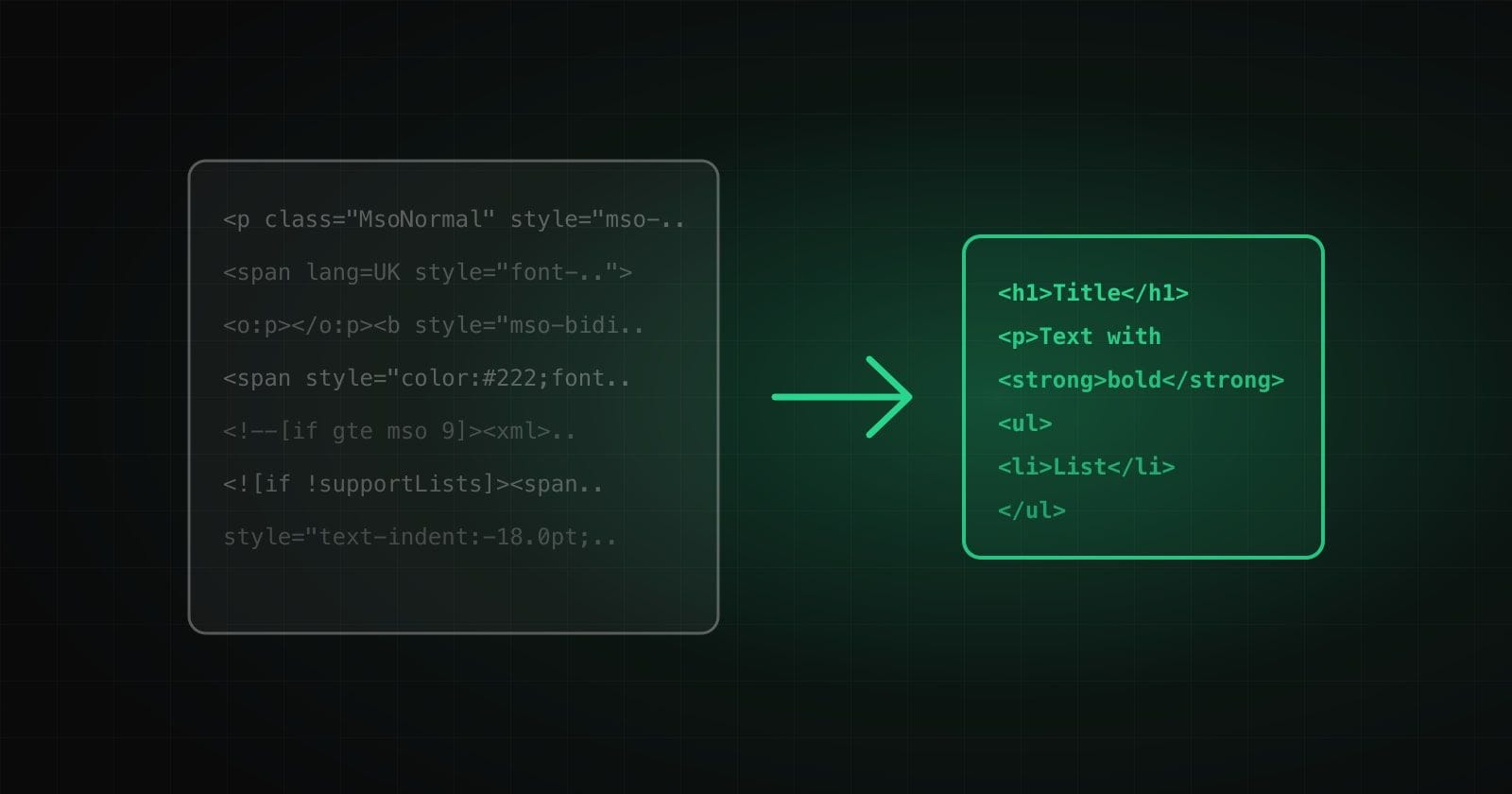
You write an article in Word or Google Docs, copy it and paste it into the site editor. It looks fine, but on the page the font is foreign, the spacing is odd and the code has thousands of characters of service junk. Let us see where it comes from and how to clean the text without losing formatting.
What comes along with the text
Document editors keep not only the words in the clipboard but the full styling. The code gets:
- style attributes with sizes, fonts, colors and indents;
- dozens of class and id values that mean nothing for your site;
- span wrappers around every word with a different style;
- Word service tags (
o:p, xml blocks) and conditional comments; - empty paragraphs with non-breaking spaces instead of margins.
Such markup adds weight to the page, overrides design styles and makes later editing harder. We wrote about the effect of weight and markup on speed in Core Web Vitals in plain words.
What to keep
You cannot strip everything indiscriminately, or the meaning disappears. Tell two groups apart.
Structure:
- headings (h1–h6), paragraphs and quotes;
- lists, including nested ones;
- tables;
- links and images.
Typography:
- bold, italic, underline and strikethrough;
- superscripts and subscripts (
m²,H₂O); - single non-breaking spaces that keep a number together with its unit.
Everything else (font, size, color, line spacing) should be decided by the site style sheet, not by the pasted text.
Seven traps that break cleaning
- Bold that lives in styles. Google Docs and websites often mark bold not with a tag but with the style
font-weight:700. If you just delete style, the bold is gone. The style must first be turned into a strong tag. - Bold across the whole document. Google Docs wraps all content in a
btag withfont-weight:normal. A naive cleaner treats it as bold and highlights all the text. - Lists made of paragraphs. Word pastes items as ordinary paragraphs with a “·” or “1.” and the service style
mso-list. After styles are deleted you get a pile of paragraphs with no lists. They must be recognized and gathered into real ul and ol with nesting. - Redirect links. Google Docs replaces the address with
google.com/url?q=.... The real address should go to the site. - Dead links and images. The Word table of contents leads to anchors that no longer exist, and pictures point to
file:///on your computer. On a website that will not work. - Empty paragraphs and repeated spaces. Empty lines and runs of non-breaking spaces are used for indentation. Clean HTML does not need them.
- Dangerous markup. Pasted HTML can contain scripts, event handlers or
javascript:links. A cleaner should build the result from a whitelist rather than cut out the “bad” with regular expressions.
Why not paste as plain text
“Paste without formatting” removes the markup entirely. Headings, lists, tables, links and bold or italic go with it, and the editor has to restore everything by hand. The better way is to keep the structure and the meaningful formatting and remove all the styling.
A short checklist
- Paste the original text, not a screenshot or a PDF.
- Keep headings, lists, tables and links.
- Move bold and italic into tags, not styles.
- Remove style, class, id, span and service tags.
- Delete empty paragraphs and extra spaces.
- Check links and images.
- Do not pass the text to third-party services if it contains confidential data.
Privacy
Many online cleaners send your text to a server. Drafts can contain prices, contracts and personal data. It is safer to choose a tool that works in the browser and transmits nothing.
Try it
We built a free HTML cleaning tool: it understands Word and Google Docs, keeps structure and typography, rebuilds lists, removes service tags and works in the browser. Read how we tested it and what we fixed in the original prototype in the case study. If you need site content without the technical pain, see the web development and marketing services.
How we help with this
Services related to the topic of this article:
Frequently asked questions
Why does text from Word break a site design?
Inline styles, classes and Office service tags are copied along with the text. They override the page styles, so fonts, spacing and colors do not match the design.
Is pasting as plain text enough?
It removes the markup, but headings, lists, tables, links and bold or italic go with it. You will have to restore the structure by hand.
What matters most to keep when cleaning?
Structure (headings, lists, tables, links) and meaningful formatting (bold, italic). Anything that only affects looks is better left to the site styles.
Read next
 Tools and products
How to Get Text from Photos and PDFs: OCR in Plain Words
What text recognition is, how a scan differs from a PDF with text, how to get a more accurate result and why privacy deserves attention.Read → Tools and products
Letter Case Converter: 6 Situations Where It Really Saves Time
From text typed with Caps Lock to variable names and page addresses: six everyday situations where changing case with one button saves time.Read → SEO and marketing
SEO-Friendly URLs: How to Create Page Addresses in Ukrainian and English
What human-readable URLs are, why a Latin slug beats Cyrillic, the transliteration rules and how not to lose traffic when changing addresses.Read →
Need advice on the topic?
Describe the task: we will suggest where to start and say honestly what you can skip.