Text tools · Free
HTML Cleaner
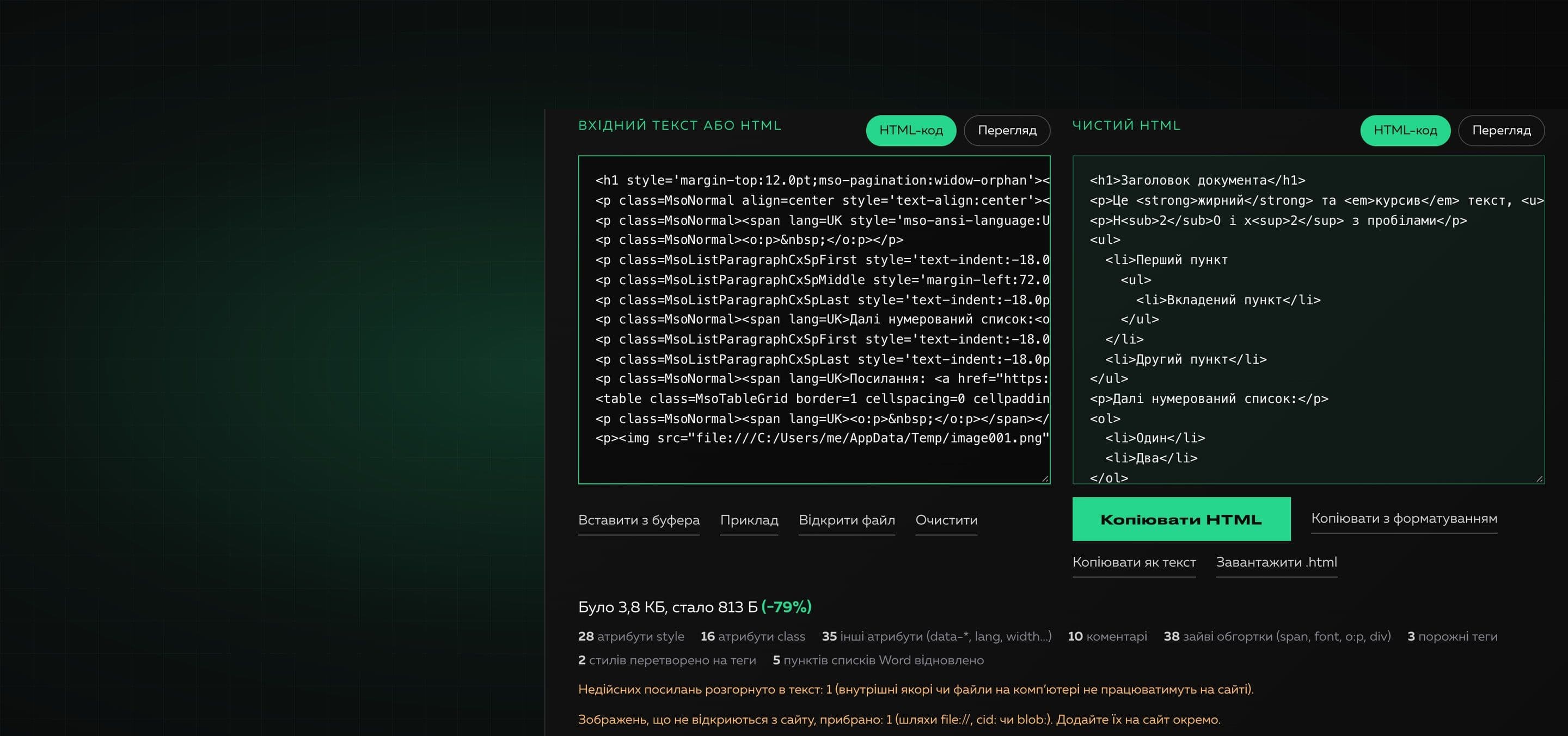
A free online tool that turns copied text or dirty HTML into clean code without losing structure or typography. Paste the content, choose what to keep and copy the result. Everything happens in your browser.
What to keep
Headings, paragraphs, lists, tables, links and images stay. Bold, italic, underline, strikethrough and sub/superscripts are carried into tags, even when the source had only styles.
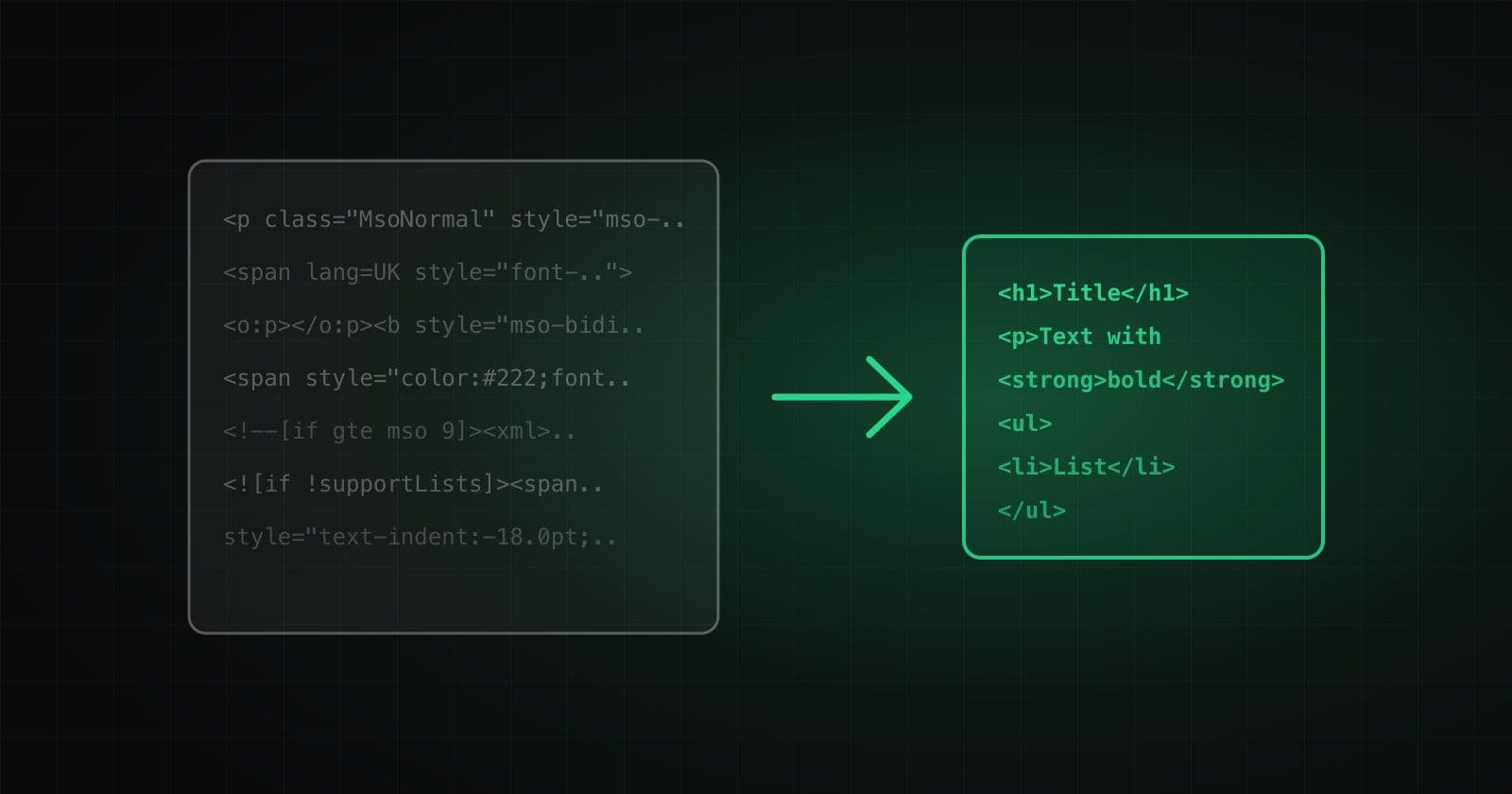
When you copy text from Word, Google Docs or a website and paste it into a page editor, dozens of extra attributes come along: style, class, id, span wrappers, Word service tags and comments. The page breaks, fonts do not match the design and the code becomes several times heavier.
The tool does not cut everything out with regular expressions. It parses the content as a document and builds clean HTML only from the elements that matter: headings, paragraphs, lists, tables, links, images and text formatting. Bold, italic, underline and sub/superscripts are carried into tags even when the source had only styles. Word lists that paste as paragraphs with a “·” become real ul and ol.
Why it is useful
- 01
Keeps structure and typography
Headings, paragraphs, nested lists, tables, links, images, bold, italic, underline, strikethrough and sub/superscripts stay. Styles such as font-weight:700 become strong tags.
- 02
Understands Word and Google Docs
Rebuilds Word lists, removes service tags and comments, unwraps Google redirect links and does not mistake the b wrapper with font-weight:normal for bold text.
- 03
Flexible settings
Three ready sets (typography, structure only, plain text) and separate switches: alignment, links, images, tables, empty paragraphs, non-breaking spaces, output formatting.
- 04
A safe result
Scripts, event handlers, iframes, forms and dangerous links never reach the result because the code is built from a whitelist of elements.
- 05
Data never leaves the browser
Cleaning runs on your device. The text is sent nowhere, and the result is previewed in an isolated frame.
How to use it
- 01
Paste the content
Copy text from Word, Google Docs or a website and press Ctrl+V in the field. You can also paste ready HTML code or open an .html file.
- 02
Choose what to keep
Pick a set or tick what you need: formatting, alignment, links, images, tables.
- 03
Take the result
Copy the HTML, copy text with formatting to paste into Word or mail, or download an .html file.
Where it helps
Articles from Word and Google Docs into a CMS
Paste an editor’s draft and get code that does not break the site design.
Content migration from an old site
Remove foreign classes, identifiers and inline styles from copied pages.
Email campaigns and product descriptions
Get compact markup without Office service attributes.
Copying from PDFs, mail and messengers
Plain text with paragraphs and bullets automatically becomes paragraphs and lists.
Preparing text for SEO
Lighter and semantic markup loads faster and is better understood by search engines.
How we built it
Read on the blog
Frequently asked questions
Is the tool free?
Yes. You can use it without payment and without signing up.
Is my text sent to a server?
No. Cleaning runs in your browser, and the result can be previewed in an isolated frame. No third-party services are used.
What exactly is kept and what is removed?
Kept: headings, paragraphs, lists, tables, links, images, bold, italic, underline, strikethrough, sub/superscripts and quotes. Removed: style, class, id, data attributes, span, font, comments, scripts, Office service tags and empty paragraphs.
Why does bold text from Google Docs not make everything bold?
Google Docs wraps the whole content in a b tag with font-weight:normal. The tool respects that style and does not treat the tag as bold, while real bold text is recognized by font-weight of 600 or more.
What does “Rebuild lists from Word” do?
Word pastes list items as ordinary paragraphs with a “·” or a number. The tool recognizes them by service styles, groups them into nested ul and ol and keeps the numbering type.
Can I keep text alignment?
Yes, turn on “Text alignment”. Center, right and justify stay as a minimal text-align style and everything else is removed.
What are the limits?
Input up to 5,000,000 characters and an .html, .htm or .txt file up to 5 MB. Large inputs are cleaned with a short delay after the last change.
Need your own tool for your team?
We build useful online tools and internal services: from idea and design to launch. Tell us what routine is worth removing.