SEO-Friendly URLs: How to Create Page Addresses in Ukrainian and English
What human-readable URLs are, why a Latin slug beats Cyrillic, the transliteration rules and how not to lose traffic when changing addresses.
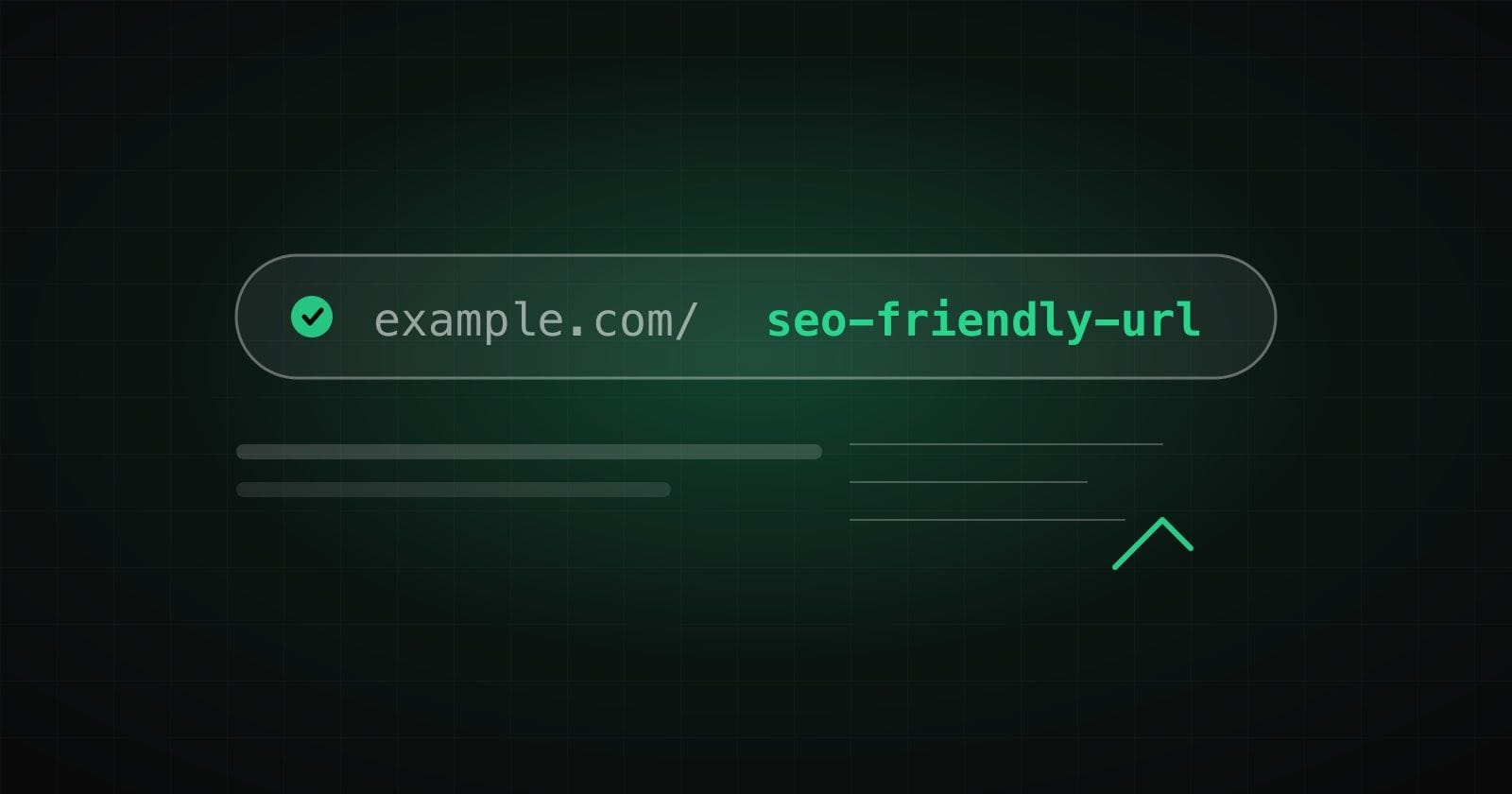
A page address (URL) seems a technical detail, but both visitors and search engines see it. Here is how to make it clear.
What an SEO-friendly URL is
It is a short human-readable address that describes the page content in words. Compare “/blog/seo-first-90-days” with “/index.php?id=4821&cat=7”. The first one tells you what is on the page; the second says nothing.
Seven rules for a good address
- Describe the content with words, not service identifiers.
- Use lower case. In the path of a URL case can matter, so “Page” and “page” may be different pages.
- Separate words with hyphens, not underscores.
- Keep it short. A guideline: up to five words. It is not a hard rule, but such addresses are easy to read and remember.
- Remove the unnecessary: filler words, dates, parameters and the .html extension.
- Do not change without need. The address is part of a page's passport.
- Do not duplicate. One page should have one main address (that is what canonical is for).
Cyrillic or Latin
Search engines understand Cyrillic addresses. But when copied into emails or messengers they often turn into long percent-encoded strings like “%D0%BF%D0%BE%D1%80%D0%B0%D0%B4%D0%B8”. A Latin slug is shorter, neater and more reliable on any platform.
How to transliterate Ukrainian words
The most common system is the official 2010 transliteration. Its features: “є, ї, й, ю, я” give “ye, yi, y, yu, ya” at the start of a word and “ie, i, i, iu, ia” inside it; “зг” becomes “zgh”; the soft sign and apostrophe are not transmitted. Many websites choose a simplified variant with “ya, yu, ye”. What matters is using one approach across the whole site.
English addresses
For English headlines, drop filler words (“the”, “and”, “of”), replace letters with diacritics by plain ones (“café” → “cafe”) and leave no apostrophes (“don't” → “dont”).
Changing addresses? Do not forget redirects
If an address changes, set up a permanent 301 redirect from the old one to the new one and update internal links and the sitemap. Otherwise links, bookmarks and the page's accumulated authority are lost.
Do not do it by hand
We built a free SEO URL generator: it works with Ukrainian and English headlines, handles bulk input, removes filler words and warns when an address is too long. Read how we tested and improved it in the case study. For help with site structure and promotion see the digital marketing service page.
How we help with this
Services related to the topic of this article:
Frequently asked questions
Do I need to change the addresses of already published pages?
Only if they are really unclear or confusing. Every change needs a 301 redirect and updated internal links, so make it deliberately.
Hyphen or underscore?
Use a hyphen between words in a URL: it is common practice and what Google recommends. Better not to use underscores.
Read next
 SEO and marketing
Text Uniqueness and SEO Quality: What to Check Before Publishing
What water, nausea and keyword stuffing really mean, how to check uniqueness and why no online service gives a hundred percent guarantee. A practical checklist for an editor.Read → SEO and marketing
SEO for a New Website: A Plan for the First 90 Days
Where to start promoting a new website: technical base, semantics, content, structured data and internal linking, with no promises of “first place in a week”.Read →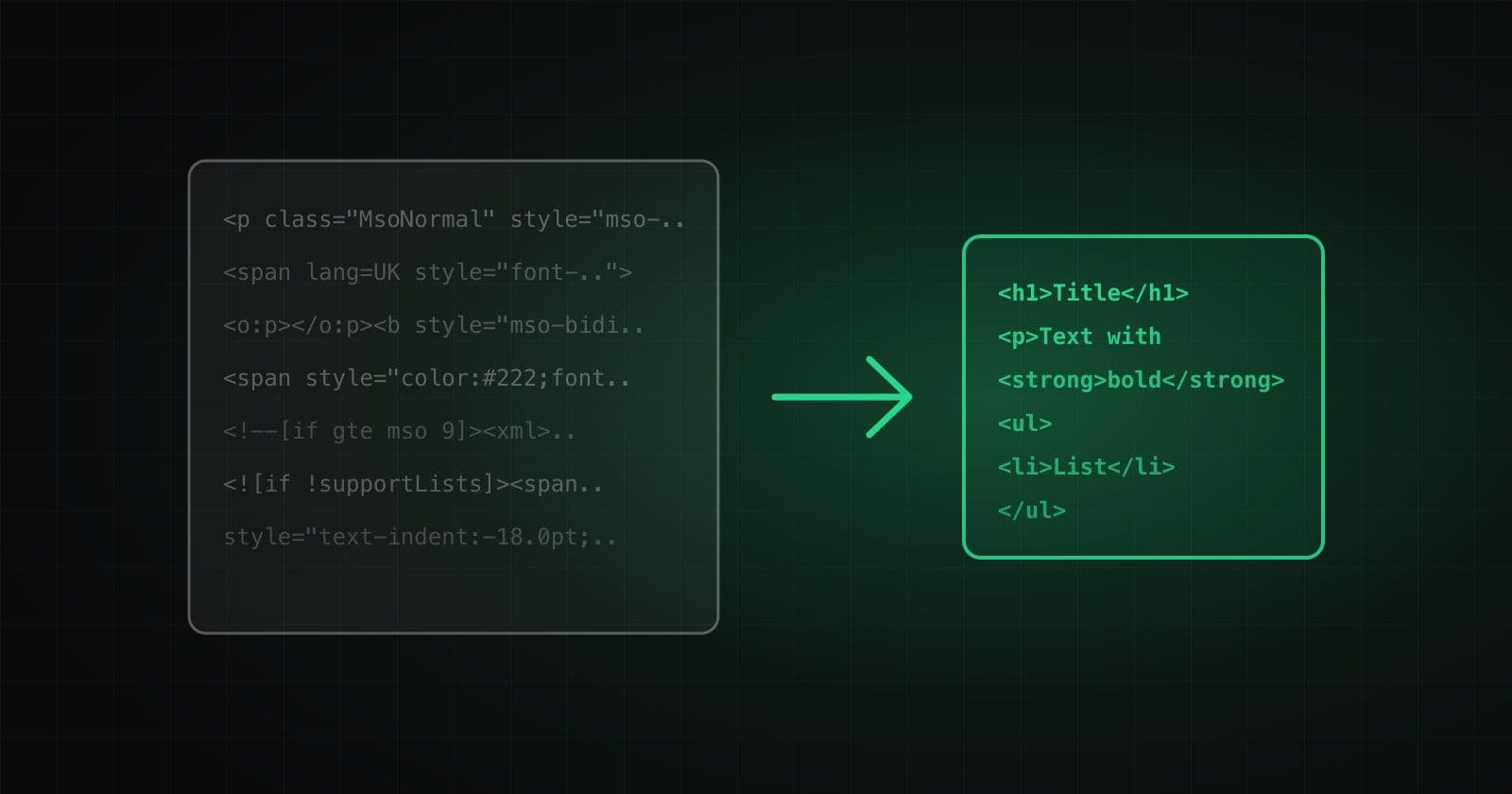 Tools and products
How to Clean HTML from Word and Google Docs Without Losing Formatting
Where the extra markup comes from when you copy text, why it hurts, what to keep and seven typical traps that break headings, lists and links.Read →
Need advice on the topic?
Describe the task: we will suggest where to start and say honestly what you can skip.