Why Your Emails Land in Spam, or Someone Writes to Your Clients in Your Name
Without SPF, DKIM and DMARC anyone can put your domain in the sender field, and your own messages are more likely to end up in spam. How it works and a practical minimum setup.
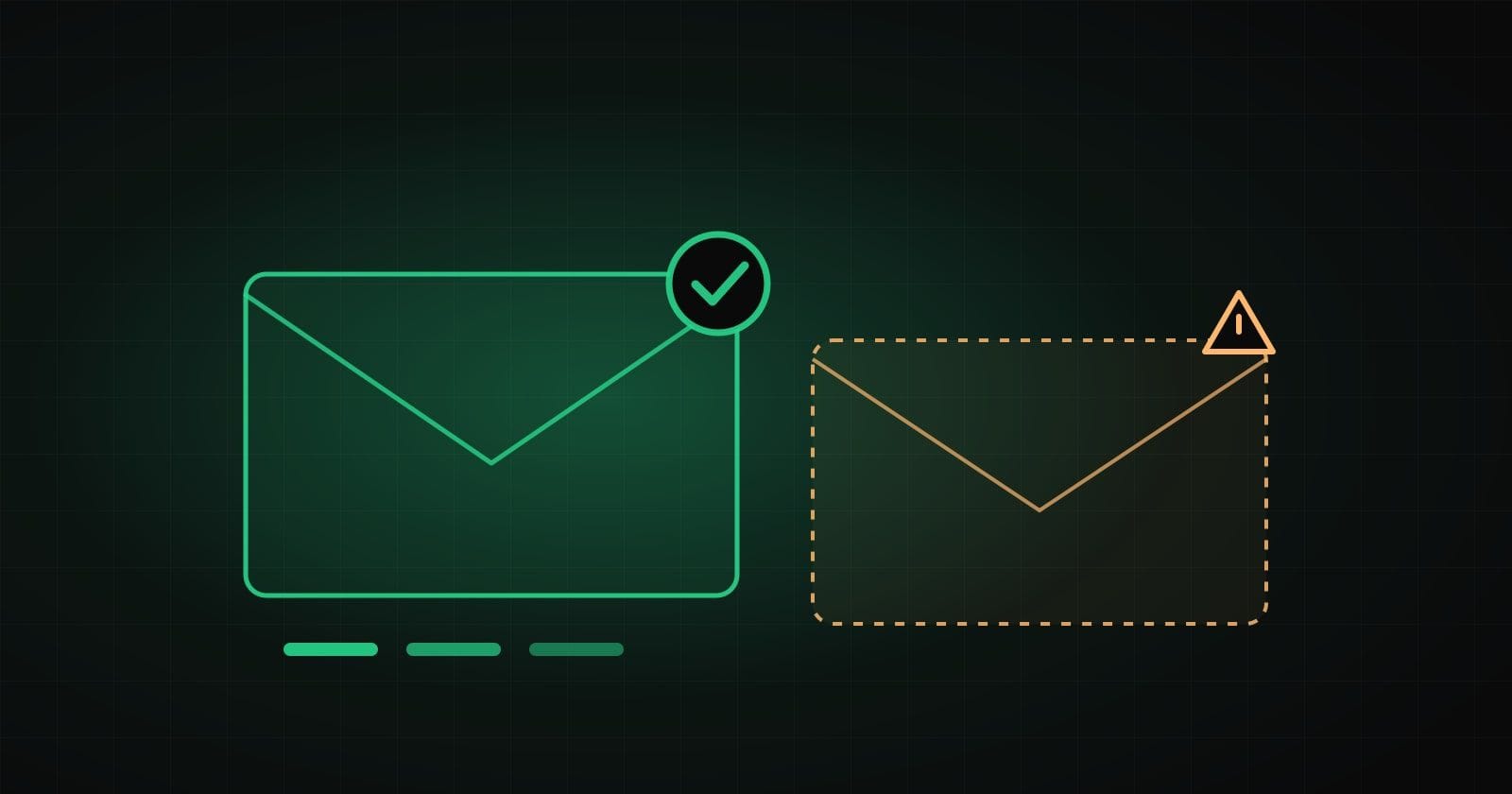
A message from your address lands in spam even though the client was waiting for it. Or the other way round: your partner receives an "invoice" in your name that you never sent. These are two sides of the same problem: domain reputation and email authentication settings.
For a business this is not a technical detail. Commercial offers, invoices, confirmation emails from the website and newsletters all go by email. If the domain is poorly configured, some of these messages never arrive and some become a tool for fraudsters.
How sender spoofing works
The basic email protocol was designed without any check of who actually sends a message. The address in the From field is just text that the sender supplies. So anyone can put your domain there, and without extra mechanisms the recipient's mail service has no way to know whether to believe it.
This is why phishing in a company's name works so well: the client sees a familiar domain and trusts it. The attacker does not need to break into your mail. The absence of rules is enough.
Three records that cover the basics
Protection consists of three records in your domain's DNS.
- SPF lists the servers and services that are allowed to send mail for the domain. If a message comes from somewhere else, the recipient can reject or flag it.
- DKIM adds a digital signature to each message. The recipient checks it with a public key published in DNS and sees that the message was signed by your domain and not altered in transit.
- DMARC ties the first two to the visible sender address and tells the recipient what to do with messages that fail: nothing, send to spam or reject. It also provides reports.
No single record solves the problem. Only together do they give a recipient grounds to trust a message or refuse it.
Lookalike domains: when forging is not needed
DMARC protects your own domain. But an attacker can simply register a similar one: with a missing or swapped letter, a different domain zone or an extra word. This is called typosquatting.
A message from such a domain will pass every check, because the domain really belongs to the sender. A client or partner sees a familiar company name and a small difference in the address that is easy to miss. Requests to change bank details on an invoice are especially dangerous. What helps here is not DNS records but monitoring of lookalike registrations and staff awareness.
How this affects deliverability
Mail services judge not only the content of a message but also the reputation of the domain and the sender. A message without authentication looks suspicious and is more often sent to spam. The consequences for a business are clear:
- a commercial proposal is not seen because it sits in spam;
- a confirmation or password reset email from the site never arrives;
- a newsletter you paid to prepare is read by a smaller part of subscribers.
Proper authentication does not guarantee inbox placement, since content and recipient behavior matter too. But without it the chances are noticeably worse, and some mail providers already require it from bulk senders.
A practical minimum
- Check your current DNS records. Are SPF, DKIM and DMARC present for the main domain and for every service that sends in your name: CRM, newsletter platform, invoicing system, the website itself.
- List your legitimate senders. It often turns out that someone forgot about a service long ago.
- Start DMARC with p=none. This is monitoring mode: mail is not blocked, but you begin receiving reports.
- Read the DMARC reports. They show who sends mail from your domain and what passes the checks. Dedicated tools help here, since the raw XML format is hard to read.
- Tighten the policy gradually. When all legitimate sources pass, move to quarantine and then to reject. Rushing can cut off your own messages.
- Move bulk mail to a separate subdomain. The reputation of mass mailings should not affect everyday correspondence and invoices.
- Watch for lookalike domains. Periodically check registrations of names similar to yours, and make sure staff know where to report suspicious messages.
Common setup mistakes
Even when the records are in place, the same problems keep turning up in practice.
- Several SPF records. A domain should have a single SPF record. Adding a second one can make the check fail outright, so services must be merged into one record.
- Forgotten services. A CRM, a ticketing system or an invoicing platform sends mail from your domain, but nobody added it to SPF and DKIM. Once the DMARC policy is tightened, their messages start to disappear.
- The SPF lookup limit. A record cannot contain too many nested lookups. If every new service is added without control, the record becomes invalid.
- Outdated DKIM keys. Keys are worth rotating from time to time, especially when a provider or subdomain changes.
- Nobody reads the reports. DMARC without report analysis achieves nothing, because the policy stays in monitoring mode forever.
A separate case is messages forwarded by an employee or a mailing group. SPF may fail on forwarding, while a DKIM signature usually survives, so the two records together are more reliable than either alone.
Why this matters beyond the technical team
Email security looks like a task for a system administrator, but sales, accounting and support feel the consequences. If a client once receives a fake invoice "from you", they will remember it as a problem of your company, not of the fraudster. So agree who on the team owns the domain and DNS, and add an email check to regular reviews, alongside access reviews or updates.
An example: a company sends invoices from its accounting system, newsletters from a marketing platform and support replies from a third-party service. These are three different sources, and each must be separately allowed in SPF and have its own DKIM signature. If only one is added, the rest of the messages are at risk. That is why the inventory comes first and a strict policy only afterwards.
Where to start
The simplest first step is to check the current state of your domain and find out which services send mail in your name at all. Often that is enough to reveal the first gaps.
If you need help with setup and report analysis, see our Cybersecurity service. And if your main issue is newsletters landing in spam and sender reputation, the marketing direction will help.
How we help with this
Services related to the topic of this article:
Frequently asked questions
Can a sender address be forged without hacking a mailbox?
Yes. The From field is not verified by the basic mail protocol itself. Without SPF, DKIM and DMARC the recipient has no reliable way to tell a genuine message from your domain from a forged one.
Is SPF alone enough?
No. SPF checks the server that sent the message, but it does not protect the visible From address and it breaks when messages are forwarded. Reliable protection comes from SPF, DKIM and DMARC working together with a sensible policy.
Which DMARC policy should I start with?
Start with p=none, so you only collect reports and block nothing. Once every legitimate mail source is set up, tighten the policy step by step to quarantine and then to reject.
Does DMARC solve the lookalike domain problem?
No. DMARC protects your own domain. A lookalike domain that an attacker registers themselves, for example with one letter changed, has to be found through monitoring and handled separately, by blocking or by complaint.
Read next
 Cybersecurity
From a Click to Lost Access: Why Even Experienced Users Fall for Modern Phishing
It is not "illiteracy" that lets a person down but automatic habits and a well-built scenario. A look at traps built on haste, the smartphone and "account confirmation", and how to build protection for yourself and your team.Read → Cybersecurity
Phishing Is Not Dead, It Put On the Mask of an Acquaintance: How It Works with Social Engineering
Phishing is a technical trap and social engineering is the psychological hook. Where the line between them lies, why attacks "from acquaintances" hit more precisely than mass mailings and what to do in the first minutes after a mistake.Read → Cybersecurity
The "We Are Too Small to Be Hacked" Myth: How Victims Are Actually Chosen
Most attacks do not start with a decision to break into one specific company. Automated tools look for open doors, and small businesses often have more of them. Here is how attackers think and a checklist that covers the main risks.Read →
Need advice on the topic?
Describe the task: we will suggest where to start and say honestly what you can skip.