The "We Are Too Small to Be Hacked" Myth: How Victims Are Actually Chosen
Most attacks do not start with a decision to break into one specific company. Automated tools look for open doors, and small businesses often have more of them. Here is how attackers think and a checklist that covers the main risks.
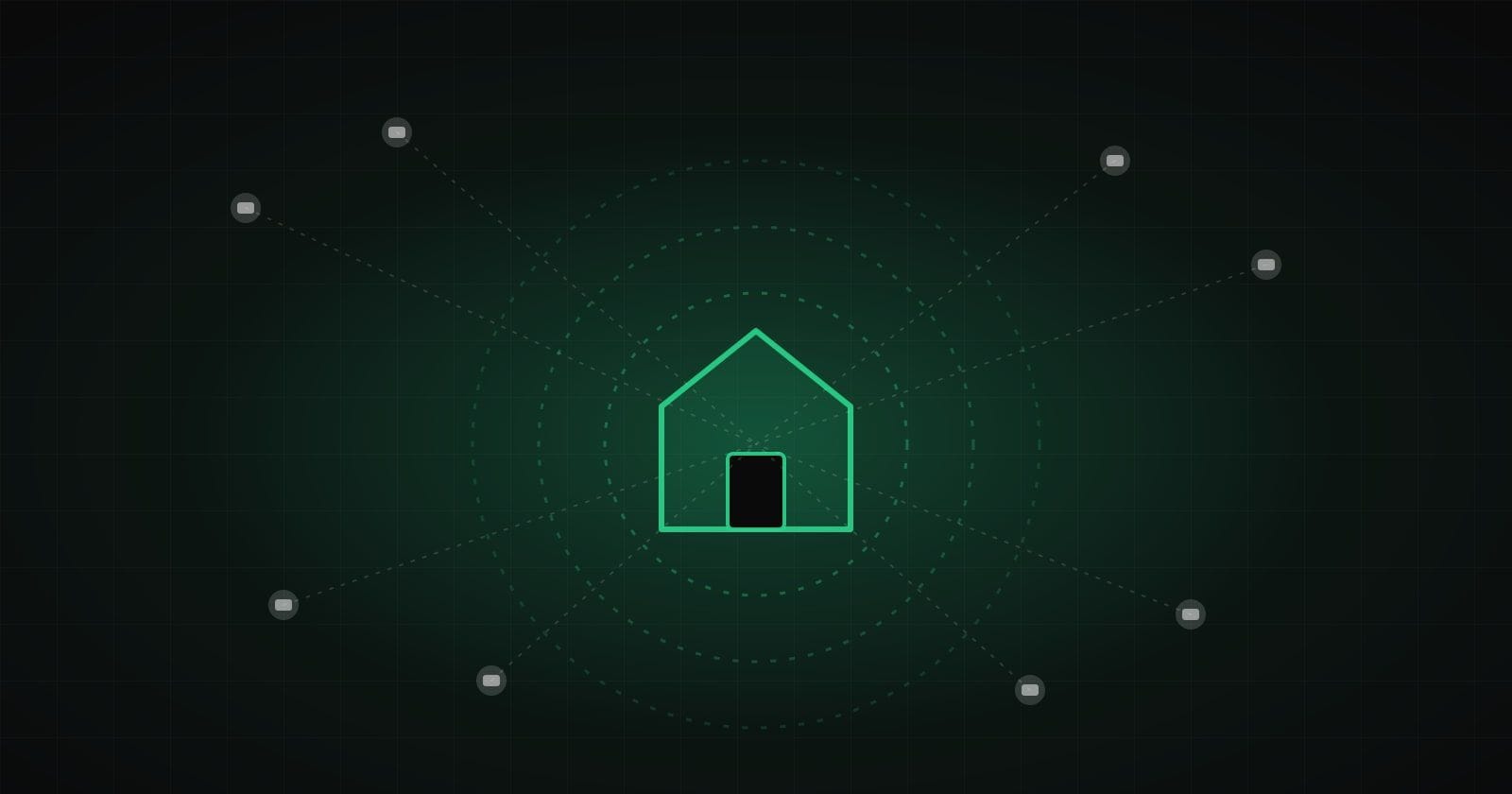
Owners of small companies often say: "We have nothing worth stealing, who would be interested in us?" The logic is understandable, but it assumes that behind every breach there is a person who picked a specific victim. In a typical case it works differently.
A large share of attacks begins with automated scanning. A program goes through addresses, checks what runs on them and flags anything that looks vulnerable. It does not care who owns the site. So your size does not protect you, while weak protection makes you a convenient target.
How victims are actually chosen
Bots do not look for a brand, they look for open doors. Usually it is one of these:
- Unpatched systems. An old version of a CMS or plugin with a known vulnerability that was fixed in a newer release long ago.
- Leaked passwords. Someone used the same password on a forum and in a work mailbox. When the forum is breached, the email and password pair is tried on other services.
- Public API keys. A key or token ended up in code, in a public repository or in a screenshot, and an automated scanner found it.
- Exposed services. An admin panel, a database or remote access reachable from the internet without restrictions.
None of this requires talent or any attention to your company. That is why a corporation with strong defenses is less attractive to attackers than a company where nobody checks anything.
What it means for small and mid-sized businesses
The consequences are concrete too. Here are the three most common scenarios:
- Data encryption. Ransomware locks files or a server and demands payment. For a small company without backups this can mean days or weeks of downtime.
- A blocked mail domain. A compromised mailbox is used to send spam or phishing. The domain reputation drops, and your ordinary emails to customers start landing in spam or do not arrive at all.
- Theft of the customer base. Contacts, orders and correspondence may be sold, used for fraud in your name or kept as leverage.
Trust deserves a separate mention. Customers forgive a mistake faster than silence about it.
A checklist: the 20% of effort that covers most of the risk
There are only a few steps, and none needs a large team.
1. Updates
Turn on automatic updates for the system, CMS, plugins and libraries. Remove what you do not use: an extra plugin is an extra attack surface.
2. A password manager and 2FA
A unique password for every service and two-factor authentication at least on email, hosting, accounting and ad accounts. Where possible, choose passkeys or an authenticator app instead of SMS.
3. Backups following the 3-2-1 rule
Three copies of the data, on two different types of storage, with one kept separate from the main system (for example, in another location and not writable by ordinary users). But the main point is this: test the restore regularly. A backup that has never been restored is only an assumption.
4. Least privilege
A person should see only what their job requires. Use administrator accounts only for administration, not for daily email.
5. Leak monitoring
Some services notify you if your address or domain shows up in known leaks. Hearing it from a service is far better than hearing it from a customer.
6. A service inventory
Make a simple list: which sites, domains, cloud services, accounts and integrations the company has and who is responsible for each. You can only protect what you know about. Forgotten test servers and old accounts often become exactly that open door.
An example: a small online store
Imagine a store on a popular CMS run by a couple of people. The payment plugin has not been updated for half a year. The administrator password matches one used on an unrelated forum long ago. Backups sit on the same server as the site.
The attacker does not need to know what this store is. A scanner finds the outdated plugin, a bot tries known login and password pairs, and once inside, malicious software encrypts both the site and the copies next to it. Each of these steps could have been interrupted by one simple action: an update, a unique password with 2FA, or a copy stored elsewhere. That is how layered simple measures work: the attacker needs every step to succeed, while you need only one closed spot to break the chain.
How to see where you stand
Check yourself with a few questions. Do you know who in the company has access to the domain mailbox and the hosting? When did someone last try to restore data from a backup? Is anyone responsible for keeping the site updated? If the answer to any of these is "I do not know", that is not a failure but the first item on the to-do list. Many problems hide not in complicated technical details but in the fact that nobody owns them.
Why "later" does not work
Security is easy to postpone because it brings no sales and its benefit is visible only when nothing happens. But fixing things after an incident usually costs far more than prevention: on top of downtime come lost orders, team time, rebuilding reputation and explaining things to customers. So it makes sense to set aside a small regular slot, for example one hour a month, and close one item from the list at a time. Small but steady steps give more than one big project that never starts.
What not to do
Do not start with expensive solutions if the basics are not done. Do not count on "this does not apply to us" either: that confidence is precisely what automated attacks rely on. At the same time, scaring the team and introducing dozens of bans will not help: simple rules that are easy to follow work better than long instructions.
Where to start
Set aside one hour and go through the list above: which of the six points you already have and which you lack. Most often the first weak spots turn out to be missing 2FA on email and backups that were never restored. Close those first.
If you want someone with a fresh eye to review your site, access and processes and put together a clear plan by priority, see our Cybersecurity service. We work without scare tactics: we show what to fix first and why.
How we help with this
Services related to the topic of this article:
Frequently asked questions
Is my small business really interesting to hackers?
Most often it is not, and it does not need to be. Automated tools check huge numbers of addresses and take whatever is open: an outdated CMS, a leaked password, an exposed key. Your size does not matter to them, only your weak spots do.
Where do we start without an IT department?
With three things: turn on two-factor authentication for email and key services, move to a password manager and set up backups with a restore test. This needs no large budget and covers a good share of typical risks.
Is antivirus enough?
No. Antivirus helps against malicious files, but it does not save you from a weak password, an unpatched plugin or a key that accidentally ended up in a public repository. Protection is several simple layers, not a single tool.
What should we do if data may have already leaked?
Change passwords on all related services, turn on 2FA, review active sessions and tokens, and check for unfamiliar mail forwarding rules. If customer data is involved, inform the responsible people and, where needed, your customers.
Read next
 Cybersecurity
From a Click to Lost Access: Why Even Experienced Users Fall for Modern Phishing
It is not "illiteracy" that lets a person down but automatic habits and a well-built scenario. A look at traps built on haste, the smartphone and "account confirmation", and how to build protection for yourself and your team.Read → Cybersecurity
The Anatomy of Manipulation: How to Recognize Pressure and a Contextual Attack
Modern attacks rarely look like primitive spam: they blend into familiar processes and rely on a person’s real context. How reconnaissance is gathered, how multi-step scenarios are built and which "emergency stop" rules help.Read → Cybersecurity
People Are the Most Flexible Link: Why Technical Protection Is No Longer Enough
Passwords, two-factor authentication and antivirus are necessary, but social engineering bypasses them by working with trust, haste and fear. Why it is cheaper than a technical attack and how to build a healthy culture of verification.Read →
Need advice on the topic?
Describe the task: we will suggest where to start and say honestly what you can skip.