Phishing Is Not Dead, It Put On the Mask of an Acquaintance: How It Works with Social Engineering
Phishing is a technical trap and social engineering is the psychological hook. Where the line between them lies, why attacks "from acquaintances" hit more precisely than mass mailings and what to do in the first minutes after a mistake.
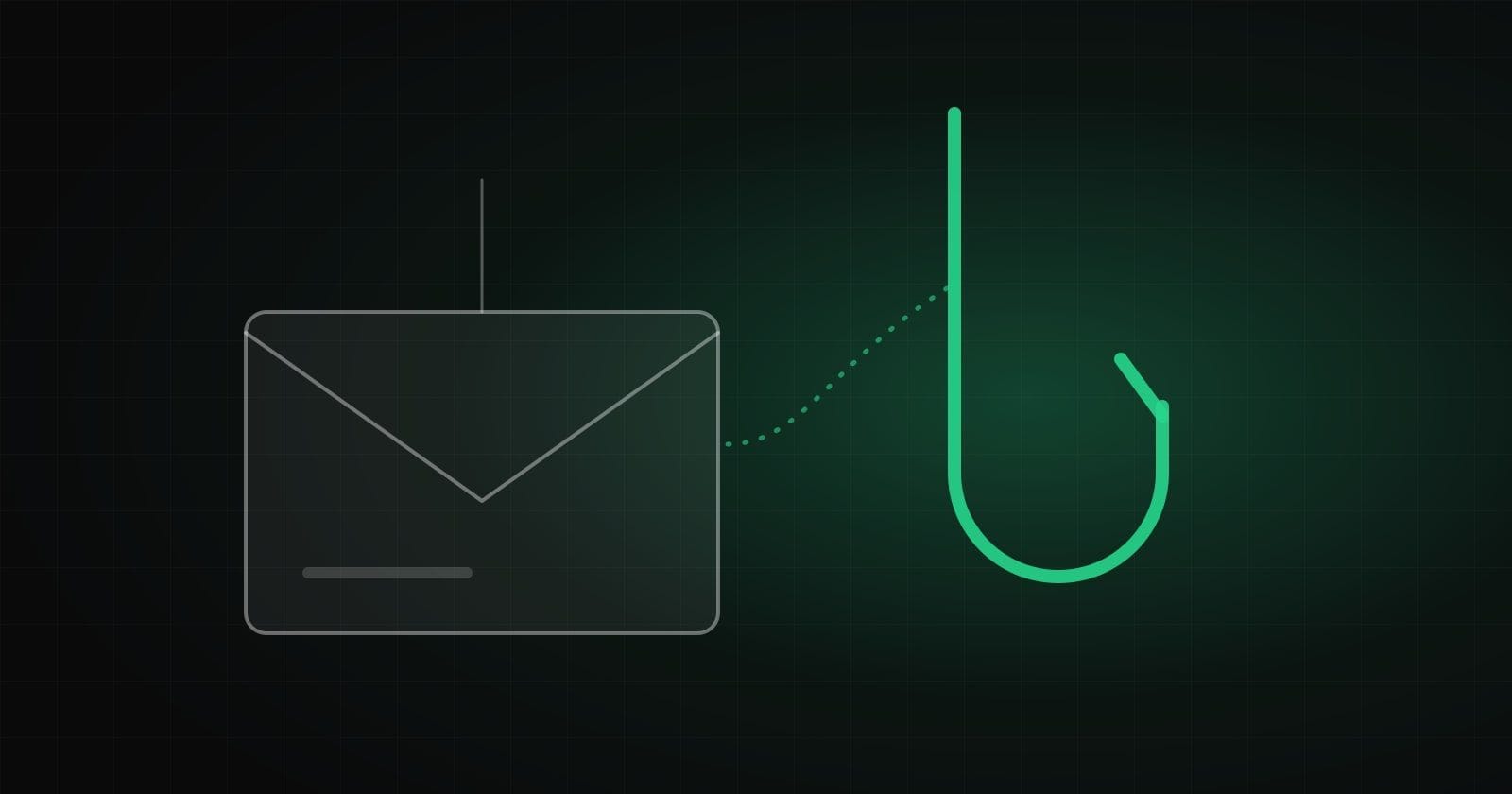
Phishing stopped being "a letter from a prince" long ago. Today it is an exact copy of the login page of your work service, a message "from a delivery service" with your real tracking number or an email from a "colleague" asking you to look at a document. To understand why it works, it helps to separate two things that are usually mixed up.
Two layers of one attack
Social engineering is psychology. Its job is to make a person act: hurry, get scared, decide to help or simply not stop to think.
Phishing is the technical part. It is a link, a login form, an attachment or a QR code through which data or access reaches the attacker.
Their interaction looks like this:
- Without social engineering, phishing often stays a link to nowhere. A person will not click without a reason.
- Without phishing, it is harder for a social engineer to quickly turn trust into a result. A way to get a password, a code or money is needed.
So the line runs where persuasion ends ("urgently confirm your account") and the moment of capture begins ("enter your password on this page"). Each layer can be defended separately, which is why it is useful to understand both.
Why "from an acquaintance" hits more precisely than a mass mailing
Mass spam is sent to thousands of addresses and counts on a small percentage. It is easy to filter and usually recognizable.
A targeted attack works differently. It takes a plausible context:
- A familiar name. An email or message that looks like a colleague, a manager, an accountant or a supplier.
- A usual service. A login page that visually matches what you use every day.
- The right time. The end of the month when invoices go out, or a period when access really is being renewed.
- A current topic. A mention of a project, a meeting or an event that only insiders know about.
A separate case is when the real account of an acquaintance is compromised and the message arrives from their genuine address or profile. Even careful checking of the sender gives nothing here, which makes this scenario especially dangerous.
How an illusion of legitimacy is built
A message must pass unnoticed, so it usually contains several "confirmations" that everything is fine:
- Style. A logo, fonts, a signature and a tone copied from real emails.
- A plausible explanation. "We noticed a sign-in from a new device", "your password is about to expire", "your document is waiting for a signature".
- Small details. Your name, your company name, the last four digits or part of a real order number.
- A minimal action. You are asked only to "press a button" or "confirm", not to do anything complicated.
What helps spot a fake is not hunting for mistakes in the text (there are fewer and fewer) but a question: "Was I expecting this message, and could I do this without the link?"
What to do in the first minutes after a mistake
If you have already clicked or entered data, do not be ashamed and do not delay. Speed matters more than anything here. The order of actions is:
- Do not panic-close everything, but enter nothing more. Close the suspicious page.
- Change the password in the real service by going to it directly, not from the email. If the same password is used elsewhere, change it there too.
- End all active sessions and sign out unknown devices if the service allows it.
- Check your mail settings: forwarding rules, newly connected apps, changed recovery addresses and numbers.
- Tell the responsible people on the team or in IT. The sooner they know, the less damage there will be.
- Warn those who may be affected. If messages could have been sent in your name, colleagues should know.
- If you entered card details, contact the bank to block or reissue the card.
Most important: do not stay silent. A person who immediately says "I think I made a mistake" saves the team hours or days.
How to lower the risk in advance
- Go to services from saved bookmarks or apps, not from links in emails.
- Turn on multi-factor authentication and, where available, use passkeys or hardware keys.
- Use a password manager: it will not fill in a password on a fake domain, and that is a useful hint.
- Verify unusual requests through another channel. More on this in the article on the human factor in security.
Phishing will not go away because it works. But defending against it is not abstract "caution", it is a few clear habits. If you need to check how ready your team and systems are for such scenarios, see the cybersecurity direction.
How we help with this
Services related to the topic of this article:
Frequently asked questions
How is phishing different from social engineering?
Social engineering is psychological influence that makes a person act. Phishing is a delivery method: a link, a fake login form, a file or a QR code through which data reaches the attacker. Phishing without manipulation often stays just a link, and manipulation without phishing is harder to turn into access.
What should I do if I entered my password on a suspicious page?
Change the password in the real service immediately, end all active sessions, check mail forwarding settings and connected devices and tell the responsible people. If the same password was used elsewhere, change it there too.
Does two-factor authentication protect against phishing?
Partly. One-time codes from text messages can be tricked out in real time. Hardware keys and passkeys work more reliably because they are bound to the real domain and will not work on a fake.
Read next
 Cybersecurity
From a Click to Lost Access: Why Even Experienced Users Fall for Modern Phishing
It is not "illiteracy" that lets a person down but automatic habits and a well-built scenario. A look at traps built on haste, the smartphone and "account confirmation", and how to build protection for yourself and your team.Read → Cybersecurity
The Anatomy of Manipulation: How to Recognize Pressure and a Contextual Attack
Modern attacks rarely look like primitive spam: they blend into familiar processes and rely on a person’s real context. How reconnaissance is gathered, how multi-step scenarios are built and which "emergency stop" rules help.Read → Cybersecurity
People Are the Most Flexible Link: Why Technical Protection Is No Longer Enough
Passwords, two-factor authentication and antivirus are necessary, but social engineering bypasses them by working with trust, haste and fear. Why it is cheaper than a technical attack and how to build a healthy culture of verification.Read →
Need advice on the topic?
Describe the task: we will suggest where to start and say honestly what you can skip.