Why Website Vulnerabilities Kill Conversion Before Any Breach
A browser warning, an expired certificate or a suspicious script scares customers away long before a real attack. How website security connects to conversion, trust and your ad budget.
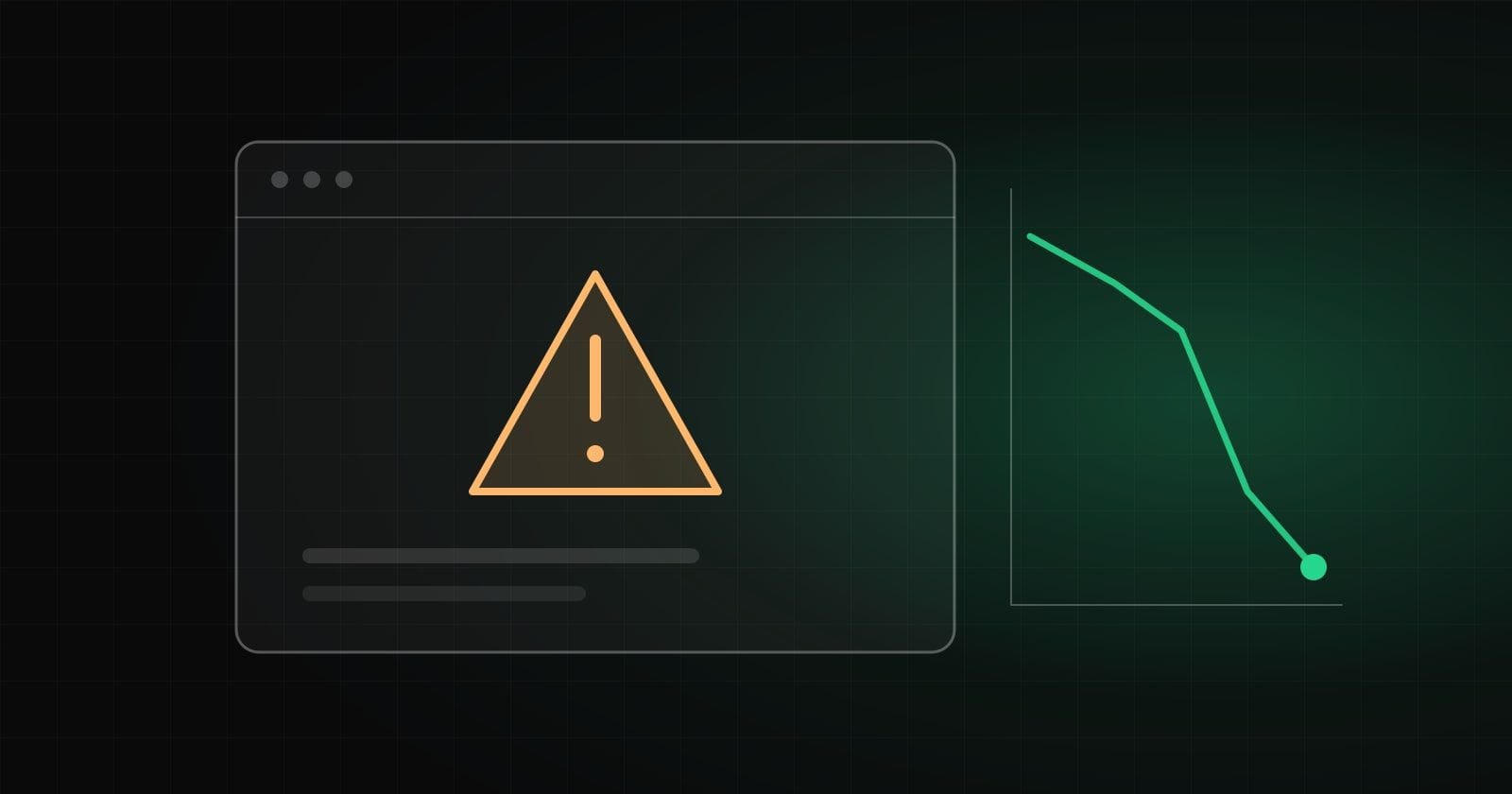
Most companies have two separate conversations. Marketers talk about conversion, cost per lead and the funnel. The technical team talks about servers, updates and access. The topics seem unrelated until a breach happens. In reality they meet much earlier.
A person who clicks an ad does not know how your site is built. But they sense very quickly that something is wrong. One red screen, one strange pop-up or one form they do not trust is enough. That is why vulnerabilities hurt sales even when nobody has broken in.
Browser warnings: the most expensive screen
When a browser shows a message like "Your connection is not private" or "Dangerous site", most visitors close the page. They do not read the details or look for a "proceed anyway" link. For them it is a signal that they could lose money or data here.
The causes of such screens are usually mundane:
- An expired certificate. Someone forgot to renew it, or automatic renewal quietly stopped working.
- Mixed content. A page served over HTTPS loads an image or script over HTTP, and the browser marks it as not fully secure.
- A certificate for the wrong name. For example, the certificate covers the main domain but not the subdomain that hosts the form.
None of these is a "hacker" problem. It is operational carelessness, and it costs more than most technical failures.
Broken redirects and suspicious scripts
A separate category of loss is ad traffic arriving on the page in a way nobody planned. A redirect chain that switches domains, a redirect to an old version of the site or to an error page all look like signs of fraud.
The same goes for third-party scripts: widgets, chats, analytics, pixels. Each runs in your customer's browser with the same rights as your own code. If one vendor is compromised, or the site loads a script from an abandoned domain, malicious code lands directly on your pages. The visitor sees your brand, so they blame you.
Content tampering and payment form skimming
Some scenarios go beyond reputation damage:
- Content tampering. An attacker changes phone numbers, links or buttons on the site, or adds hidden blocks of spam. Customers call someone else, and a search engine may lower its trust in the site.
- Payment form skimming (Magecart). A script is added to the checkout page that copies card details while a person types them. The payment goes through as usual, so neither the customer nor the store notices at first.
- Lead leakage. A contact form without proper protection can expose correspondence and contact details to strangers, or send requests to a third-party address.
The last problem is especially painful for service businesses. You pay for every click, the person leaves their details, and the request ends up in the hands of a competitor or a spammer.
How this hits your ad budget
Traffic paid for by the click has to land on a page that can be trusted. Otherwise the money goes on visits that have no chance of becoming a request.
There is also a direct risk: ad platforms and browsers may flag sites as dangerous if malicious code is found on them. Ads can then be stopped, and the page may carry a warning in search results too. Rebuilding trust takes time, and meanwhile the advertising either stands still or runs idle.
A simple mindset helps marketers: site security is part of the funnel, just like load speed or a clear headline. It is worth checking before you raise the budget.
What a regular security audit gives you
An audit is not just a search for holes on a server. For a business it delivers several practical things:
- A list of certificates, domains and subdomains with expiry dates, so nothing lapses unexpectedly.
- An inventory of third-party scripts: who added them, why and whether they are still needed.
- A check of forms: where requests go, who can access them and what happens on an error.
- A review of the payment page and of the content security policy, which limits where scripts may be loaded from.
- Change monitoring: an alert if files or content change without your knowledge.
The result should be not a scary report but a short list of priorities explained in plain language.
How to count the loss without waiting for an incident
Management finds it hard to fund security while nothing has happened. Translating it into marketing language helps. Take an ordinary funnel and look at where security can interrupt it: the click from the ad, the product or service page, the form or cart, the confirmation email.
For each step ask a simple question: what happens if a browser warning appears here, the form stops working or the request never arrives? The answer is usually visible without complex calculations. If a lot of paid traffic reaches a page each month, even a few days with a certificate warning mean a significant share of the budget wasted.
It is also useful to set up basic alerts: reminders about certificate and domain expiry, availability checks for key pages and test submissions of forms. This is cheap, and the advertising team learns about a problem before customers write about it on social media.
Finally, agree on responsibility. In many companies a contractor who left long ago looked after the certificate, while marketers assume it is the developers' job. One named owner for every critical point removes most of these stories.
Trust is built from small things
A visitor rarely spells out why they did not leave a request. They will not say that they disliked the icon in the address bar or the pause before the form opened. But the decision "better leave this place" is made on exactly such signals. That is why security deserves to be treated together with speed, clear copy and convenient forms, as part of the overall impression of a site. It does not add appeal, but it removes reasons to walk away.
Where to start
Take an hour and walk the customer path yourself: from the ad to the thank-you page, in different browsers and on a phone. Note any warnings, extra redirects and forms that behave oddly. Then list every third-party script on key pages and answer, for each one, why it is there.
If you would rather have a team that does such checks every day, see our Cybersecurity service. For projects where the foundation of the site itself needs fixing, web development is the better fit.
How we help with this
Services related to the topic of this article:
Frequently asked questions
Does website security affect conversion if there was no breach?
Yes. A browser warning, an expired certificate or odd page behavior puts people off before any attack happens. Visitors do not investigate the reason: they simply close the tab.
What is Magecart and why does it matter for an online store?
It is the name for attacks where a malicious script is quietly added to a checkout page and copies card details as they are typed. The store may not notice for a long time, while customers learn about fraudulent charges from their bank.
How often should a website security audit be done?
Usually before launch, after major changes and then regularly, for example yearly, or more often for stores and services that take payments. The right rhythm depends on how much data the site collects and how often it changes.
Can ads send people to an unsafe page?
They can, if nobody watches certificates, redirects and third-party scripts. Ad platforms may also pause ads that point to a page they consider dangerous, so the money is lost twice.
Read next
 Cybersecurity
From a Click to Lost Access: Why Even Experienced Users Fall for Modern Phishing
It is not "illiteracy" that lets a person down but automatic habits and a well-built scenario. A look at traps built on haste, the smartphone and "account confirmation", and how to build protection for yourself and your team.Read → Cybersecurity
Phishing Is Not Dead, It Put On the Mask of an Acquaintance: How It Works with Social Engineering
Phishing is a technical trap and social engineering is the psychological hook. Where the line between them lies, why attacks "from acquaintances" hit more precisely than mass mailings and what to do in the first minutes after a mistake.Read → Cybersecurity
The Anatomy of Manipulation: How to Recognize Pressure and a Contextual Attack
Modern attacks rarely look like primitive spam: they blend into familiar processes and rely on a person’s real context. How reconnaissance is gathered, how multi-step scenarios are built and which "emergency stop" rules help.Read →
Need advice on the topic?
Describe the task: we will suggest where to start and say honestly what you can skip.