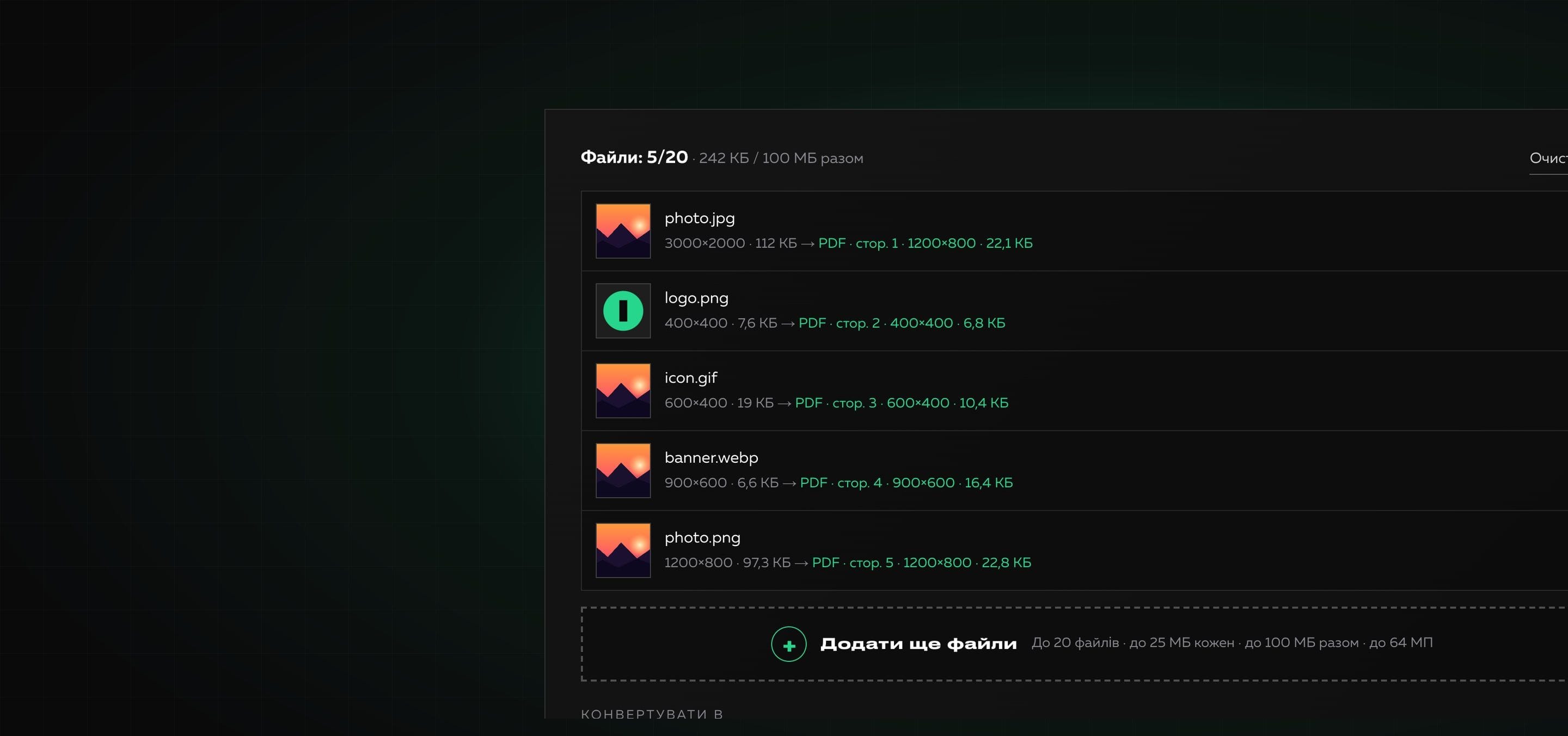
Image Converter
Image Converter is a Creomatix product: an online tool that converts images between six formats, changes size and quality and works in batches. All processing happens in the browser, so files are not sent anywhere. You can try it on the Image Converter page, and we explain how to choose a format in the blog.
What was done?
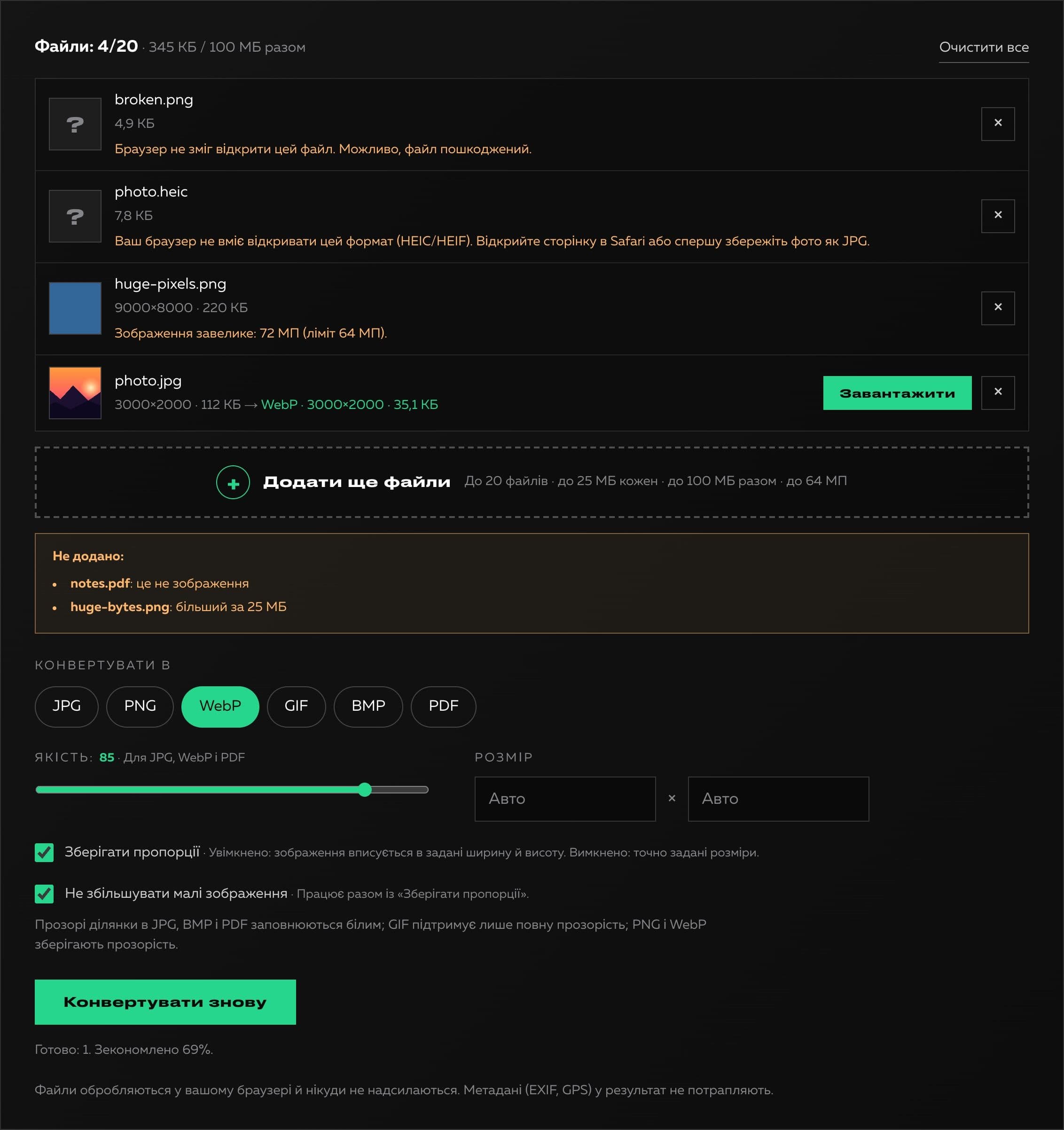
A prototype that converted images through a canvas was the starting point. Before launch we asked what it was missing and tested it in a real browser. The main finding was about the formats themselves: a browser can save only JPG, PNG and WebP, and when asked for GIF, BMP or TIFF it silently returns PNG. The prototype saved such a file with a .gif, .bmp or .tiff extension, so half of the output formats were fake. A transparent PNG became a JPG on a black background, a negative width quietly turned into a size of 300 pixels, and a huge size produced a generic error with no explanation. After the settings changed, finished files were not converted again but were named by the new format, and files with the same name (a.jpg and a.png) overwrote each other in the ZIP. There were also no limits at all, and HEIC and TIFF, declared as supported, are simply not opened by most browsers.
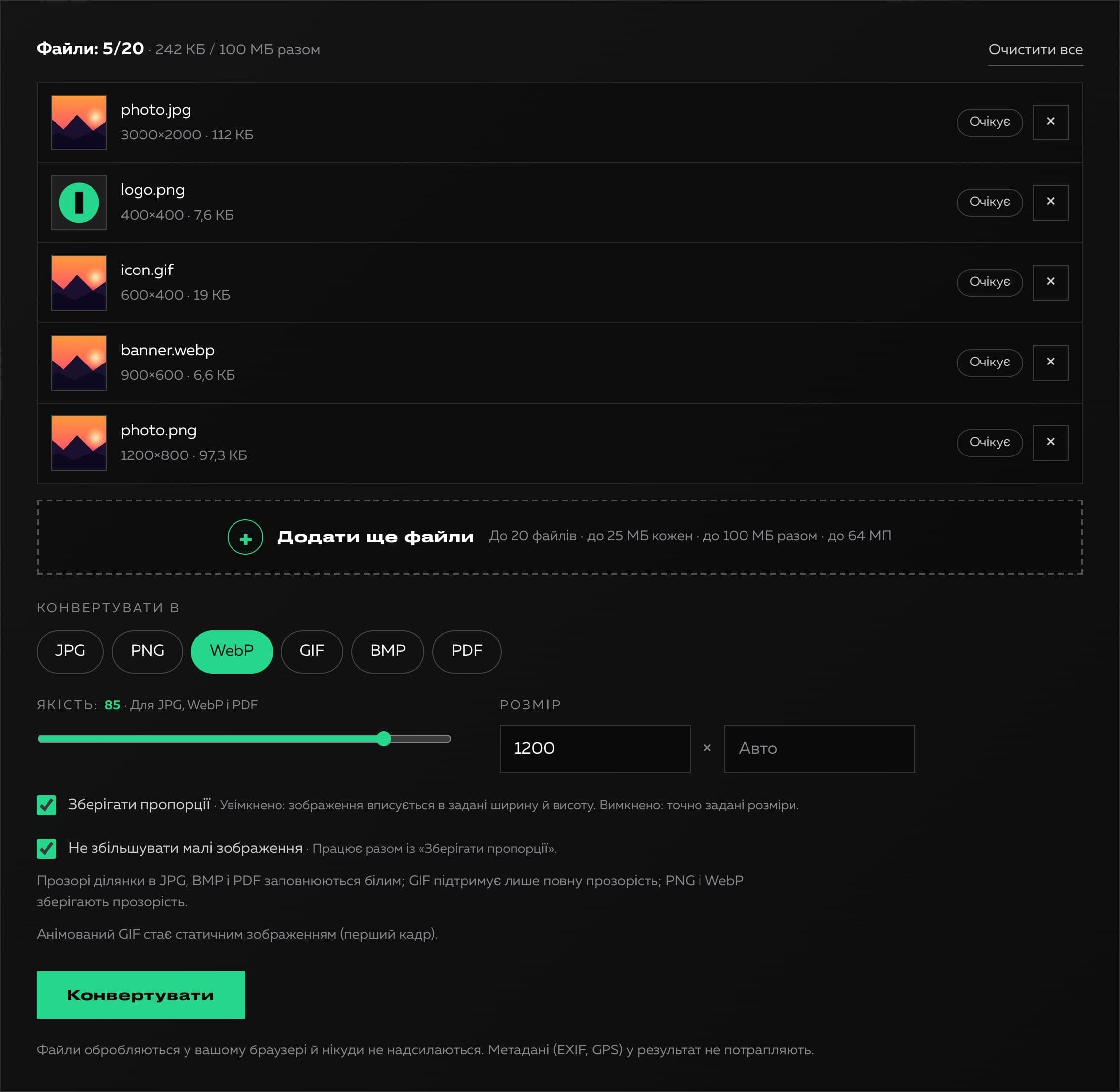
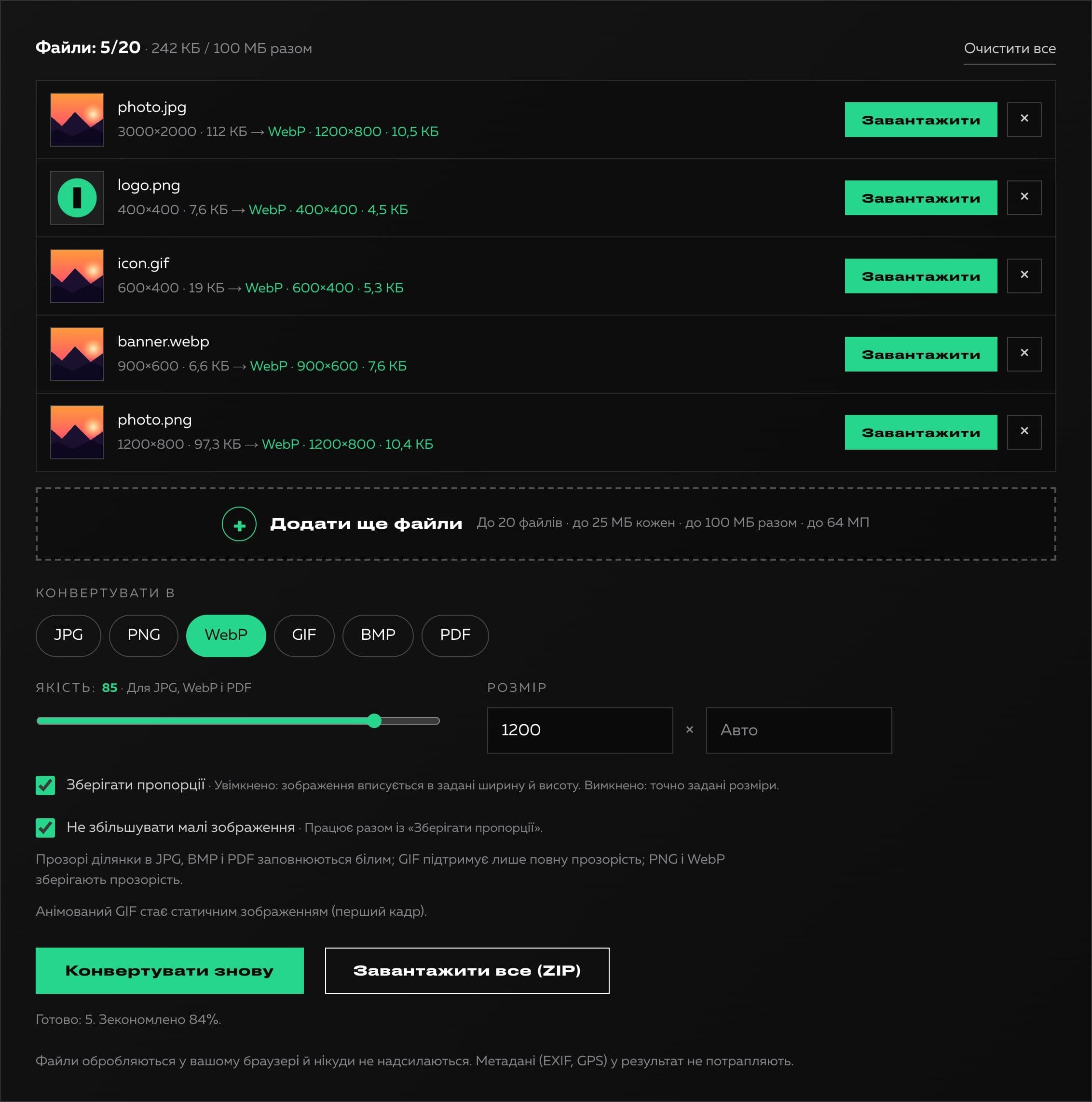
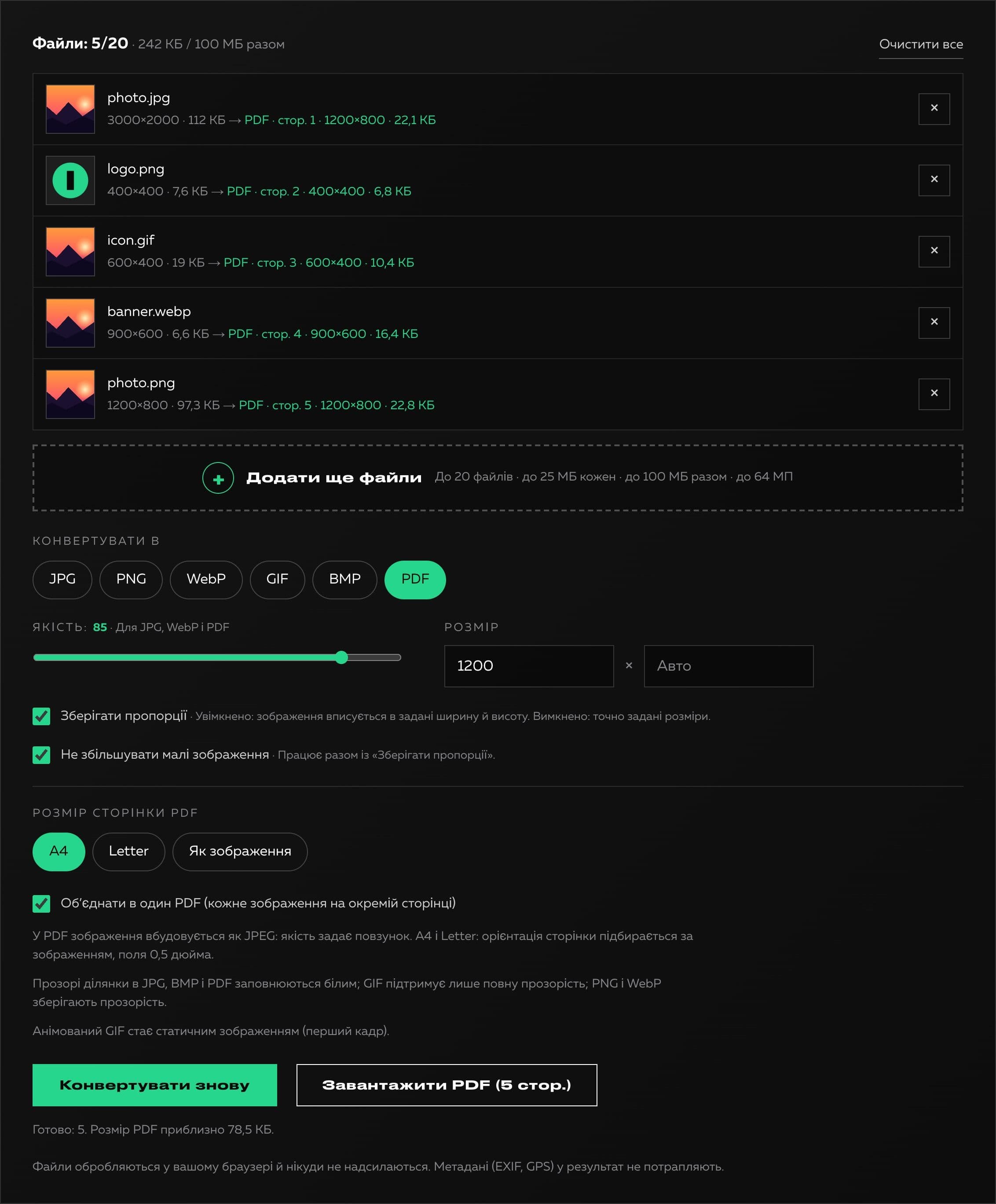
We wrote our own BMP and GIF encoders (with a palette and transparency), and we build the ZIP without libraries. We decided to drop the TIFF format and made PDF instead: every image becomes a page, they can be combined into one document or made into a separate PDF each, and the page size is selectable (like the image, A4 or Letter, with margins and an orientation that follows the picture). The JPEG is embedded in the PDF without recompression. The encoders were checked by decoding in independent programs: GIF in libvips, BMP in Chrome, PDF in PyMuPDF. We added limits that protect the visitor's device: up to 20 files at a time, up to 25 MB each, up to 100 MB in total, up to 64 megapixels in and 36 out, up to 100 MB of data in one PDF. Every refusal is explained: what exactly is the reason and what to do. For JPG, BMP and PDF transparent areas are filled with white, resizing fits inside the given box with a “Do not enlarge small pictures” option, and output file names are unique. Instead of a fake progress indicator the real state of every file and a summary of the space saved are shown.
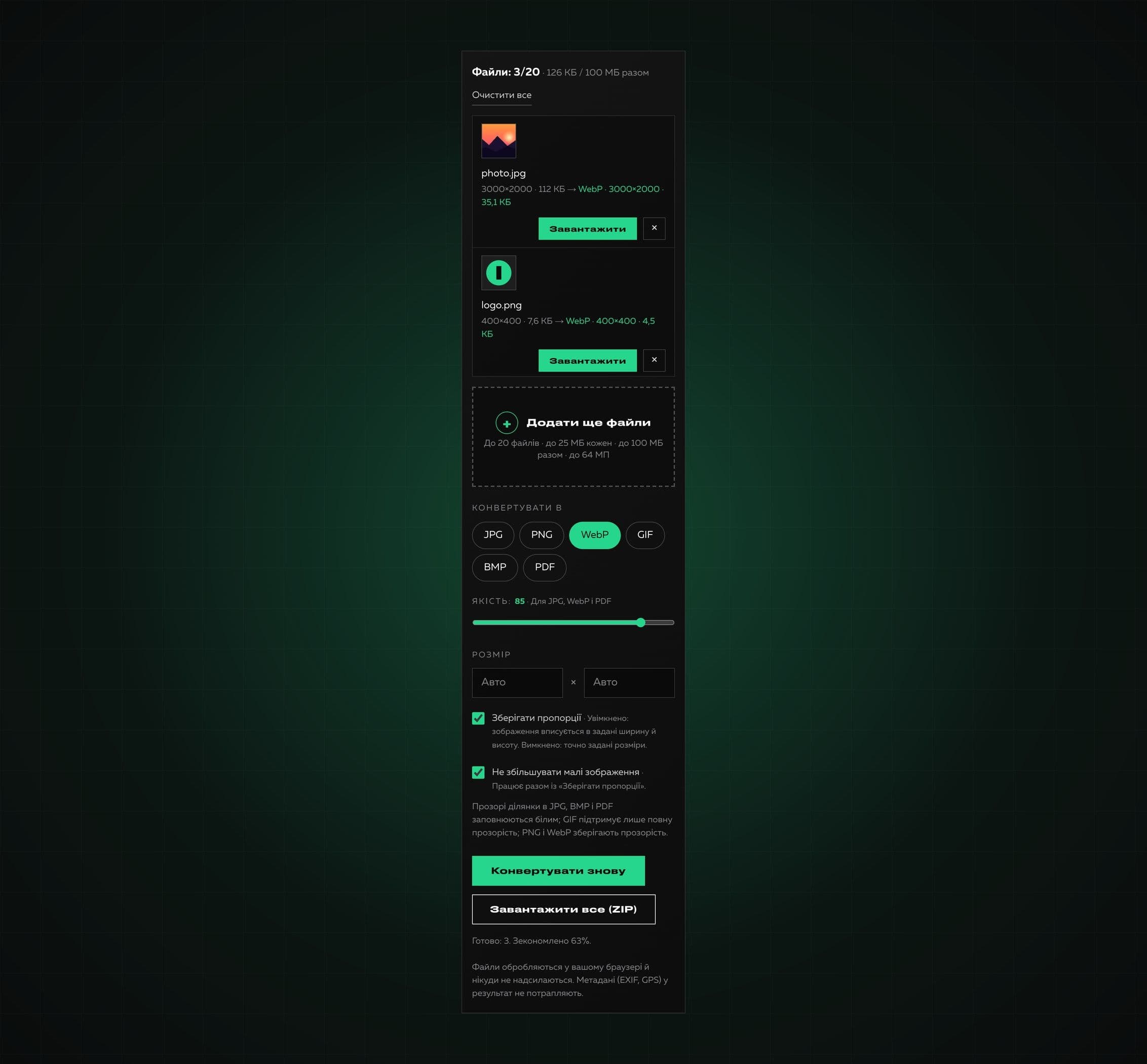
The interface was fully redone in the Creomatix site design: dark theme, accent green, a keyboard-accessible drop area, error messages announced to screen readers and a mobile version with no horizontal scrolling. End-to-end tests in Chrome check the real signatures of all six formats, transparency, sizes, limits and the validity of the ZIP and the PDF.
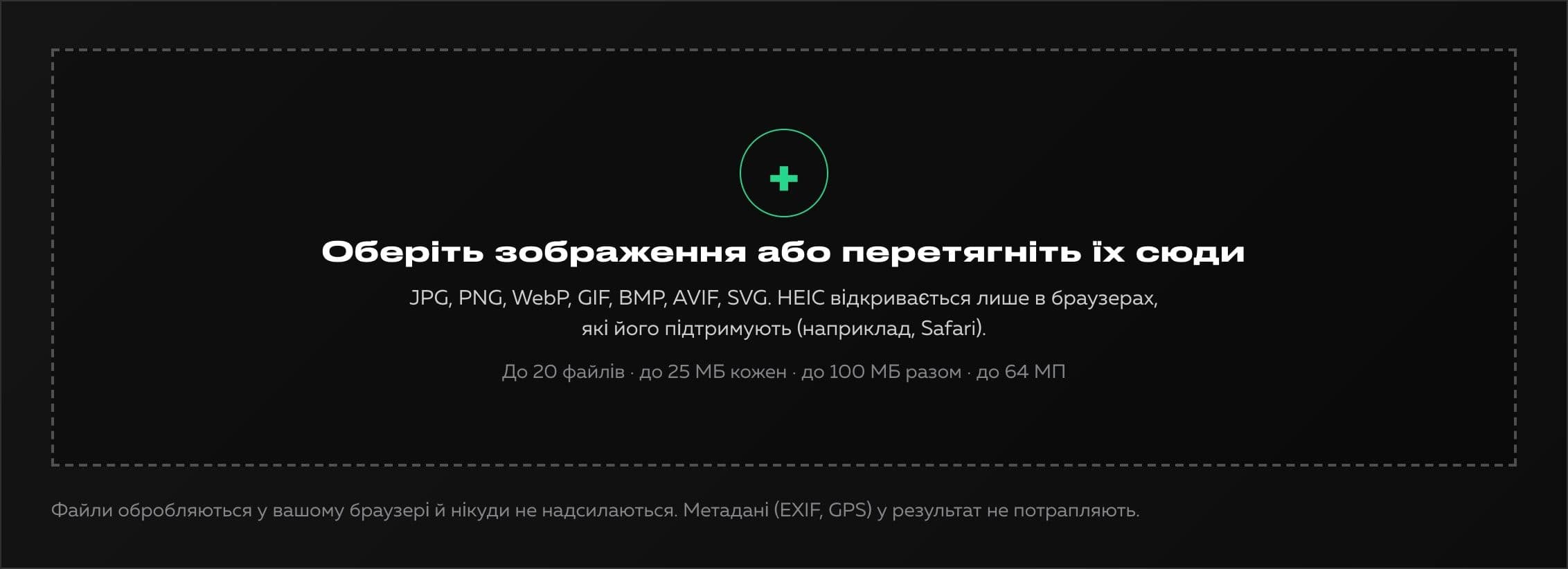
Technologies
- Next.js
- React
- TypeScript
- SCSS Modules
- Canvas API
- Own BMP and GIF (LZW) encoders
- Own PDF and ZIP writers without libraries
- Strapi (product page content)
What we built
- Six output formats: JPG, PNG, WebP, GIF, BMP and PDF, with no faked extensions
- PDF: one document from several images or separate files, page like the image, A4 or Letter
- Batch processing of up to 20 files and download as one ZIP
- Resizing that fits inside the given box, with a “Do not enlarge small pictures” option
- Quality for JPG, WebP and PDF and a summary of the space saved
- Limits: 25 MB per file, 100 MB in total, 64 MP in, 36 MP out, 100 MB in one PDF
- Clear messages about rejected and problem files
- Transparent areas in JPG, BMP and PDF are filled with white, not black
- Unique file names in the result and in the ZIP
- Processing entirely in the browser: files are not sent, metadata is not kept
- Keyboard access and Ukrainian and English interface versions
What the client got
The result is a clear and honest tool: every output file really has the declared format, and limits and errors are explained in plain language. It works without sign-up and entirely in the browser, and it became the third product in the Products section of our site.