Images · Free
HEIC to JPG Converter Online
Turn iPhone photos (HEIC/HEIF) into plain JPG that opens anywhere. Works in any browser, no sign-up.
Files are processed in your browser and are not sent anywhere. Metadata (EXIF, GPS) is not carried into the result.
An iPhone saves photos as HEIC by default: half the size of a JPG at the same quality, but most Windows programs, email services and website upload forms cannot open it. So a photo that looks great on the phone often ends up as an “unknown file” on a computer.
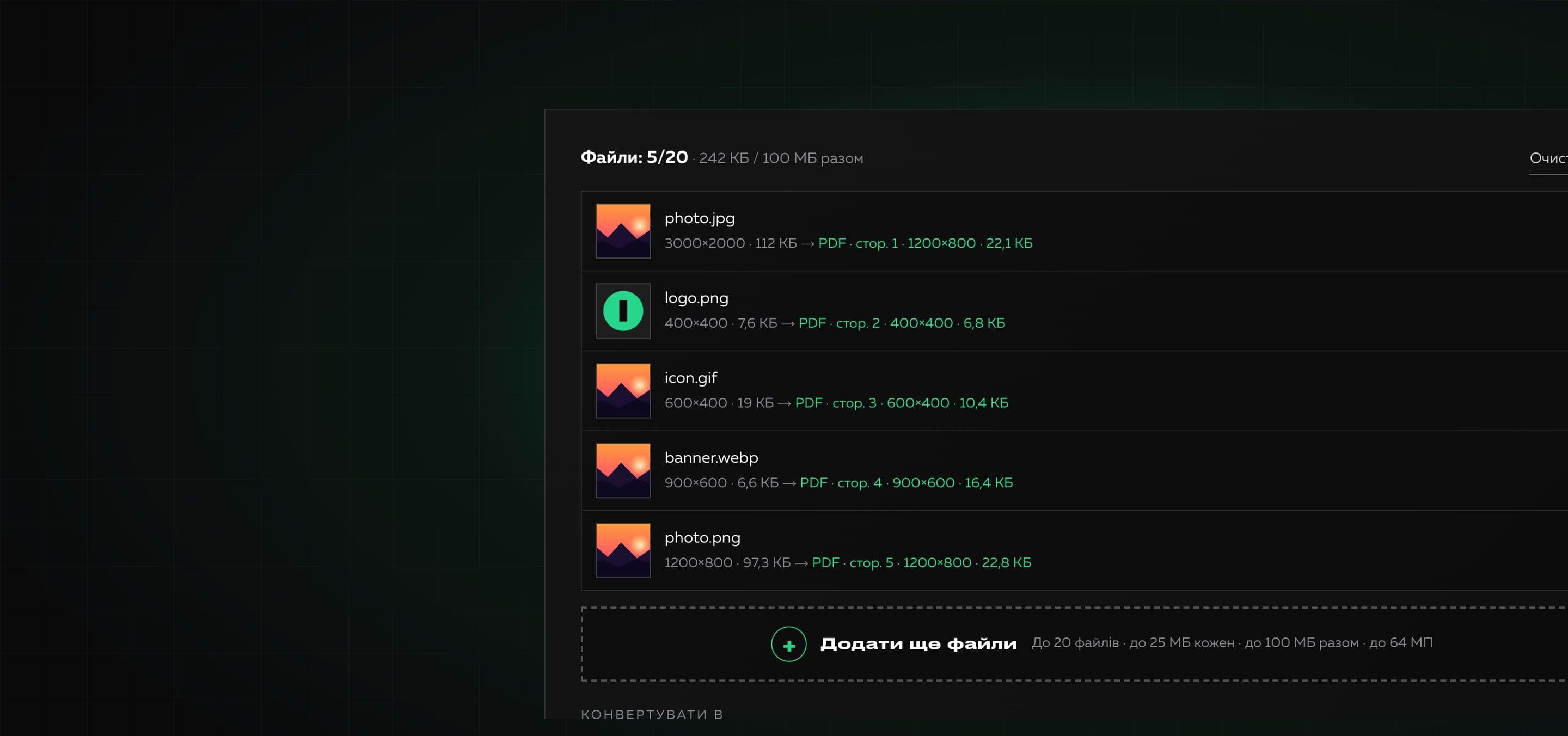
Add HEIC files below, keep the JPG format and press “Convert”. To read HEIC the browser loads a small decoder (once, only when you add such a file); after that everything happens on your device. You can process up to 20 photos at a time and download them as a ZIP.
Popular scenarios
The same tool, set up for a specific task:
Why it is useful
- 01
Not only in Safari
HEIC is read in Chrome, Firefox and Edge thanks to a built-in decoder. Nothing to install.
- 02
Photos stay off the network
Personal shots stay on your device: conversion runs locally and metadata (EXIF, GPS) does not end up in the JPG.
- 03
Quality and size under control
Pick the JPG quality and, if needed, width and height: handy when a website form limits file size.
How we built it
Read on the blog
Frequently asked questions
How is HEIC different from JPG?
HEIC (HEIF) compresses better: about half the size of a JPG at similar quality. But it is less common, so not every program or service supports it. JPG opens everywhere.
Will quality drop after conversion?
JPG is lossy, but at quality 85–90 the difference is hard to see. For important shots raise the quality and compare with the original.
Can I convert many photos at once?
Yes, up to 20 files at a time (up to 25 MB each). Download the JPGs one by one or as a single ZIP.
What about Live Photos and depth (Portrait mode)?
The result is a regular still image. The animated part of a Live Photo and the depth map are not kept.
Are my files uploaded to a server?
No. Everything runs in your browser; files are not uploaded or stored anywhere.
Need your own tool for your team?
We build useful online tools and internal services: from idea and design to launch. Tell us what routine is worth removing.