Images · Free
WebP to JPG Converter Online
A picture saved from a website will not open because it is WebP? Turn it into JPG that every program, form and messenger accepts.
Files are processed in your browser and are not sent anywhere. Metadata (EXIF, GPS) is not carried into the result.
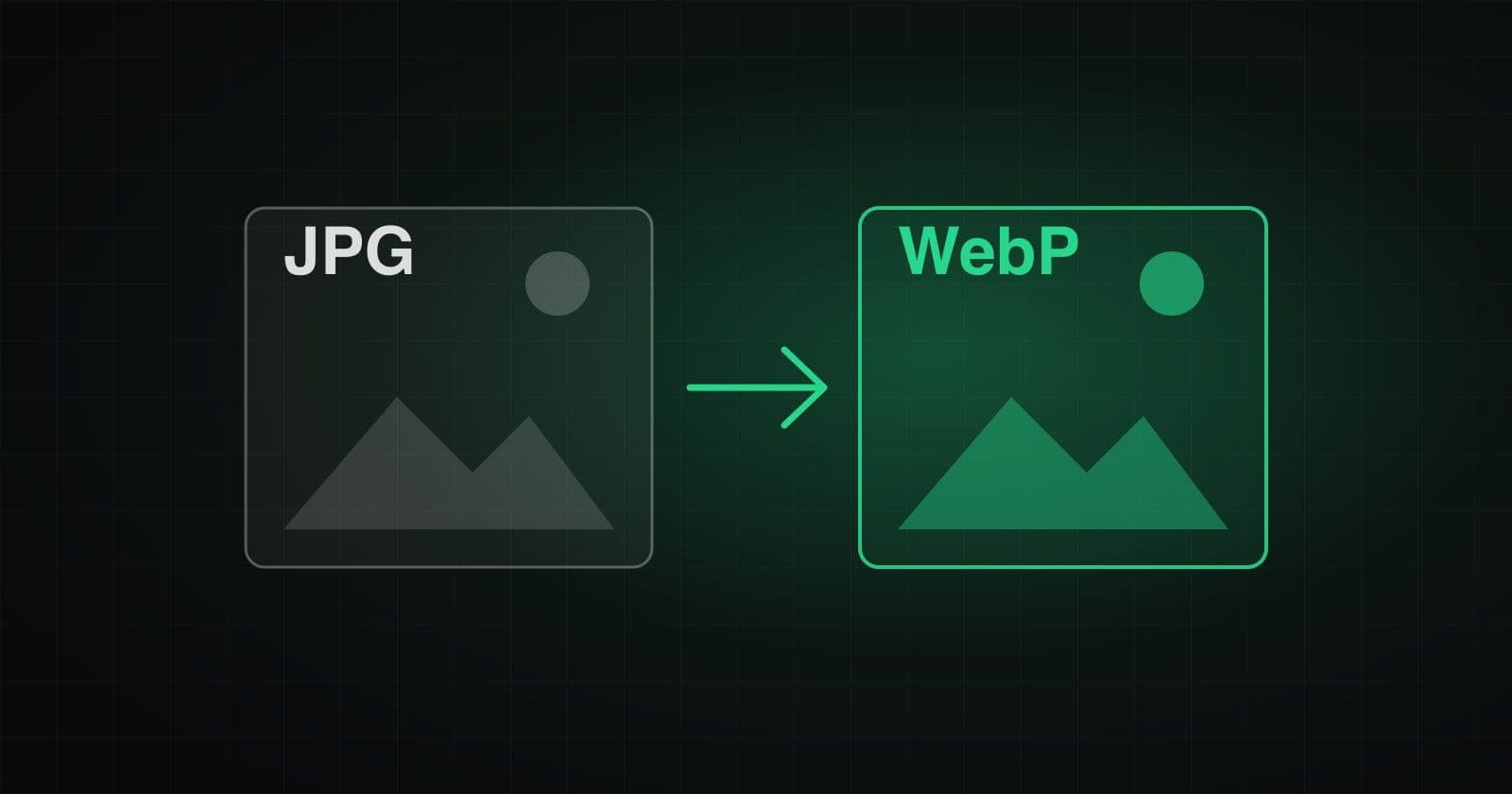
Many websites serve images as WebP, so a saved picture suddenly has a .webp extension that an editor, document or upload form will not accept. Everyone supports JPG, so converting the file is the simplest fix.
Add WebP files, keep the JPG format and press “Convert”. If the image had transparency it is filled with white rather than black, as some converters do.
Popular scenarios
The same tool, set up for a specific task:
Why it is useful
- 01
Compatible with everything
Any editor, office program, messenger and document upload system opens JPG.
- 02
Transparency without black holes
Transparent areas get a white background, so logos and icons do not turn into black blobs.
- 03
Several files at once
Up to 20 images per batch with a ZIP download.
How we built it
Read on the blog
Frequently asked questions
Why was the image saved as WebP?
Websites use WebP because it is lighter than JPG and PNG and browsers display it natively. When you save the picture you get the file in that same format.
What happens to a transparent background?
JPG does not support transparency, so transparent areas turn white. If you need transparency, convert to PNG: the “WebP to PNG” page.
Will I see a quality difference?
At quality 85–90 the difference is usually invisible. For maximum accuracy set a higher quality, but the file size grows.
Does it work with animated WebP?
An animated WebP becomes a still JPG from its first frame.
Is it free?
Yes. The tool works without payment, sign-up or a limit on the number of runs.
Need your own tool for your team?
We build useful online tools and internal services: from idea and design to launch. Tell us what routine is worth removing.