Images · Free
JPG to PDF Online: Photos into One Document
Combine photos and scans into one PDF or make a separate PDF per image. Page size A4, Letter or matching the picture.
Files are processed in your browser and are not sent anywhere. Metadata (EXIF, GPS) is not carried into the result.
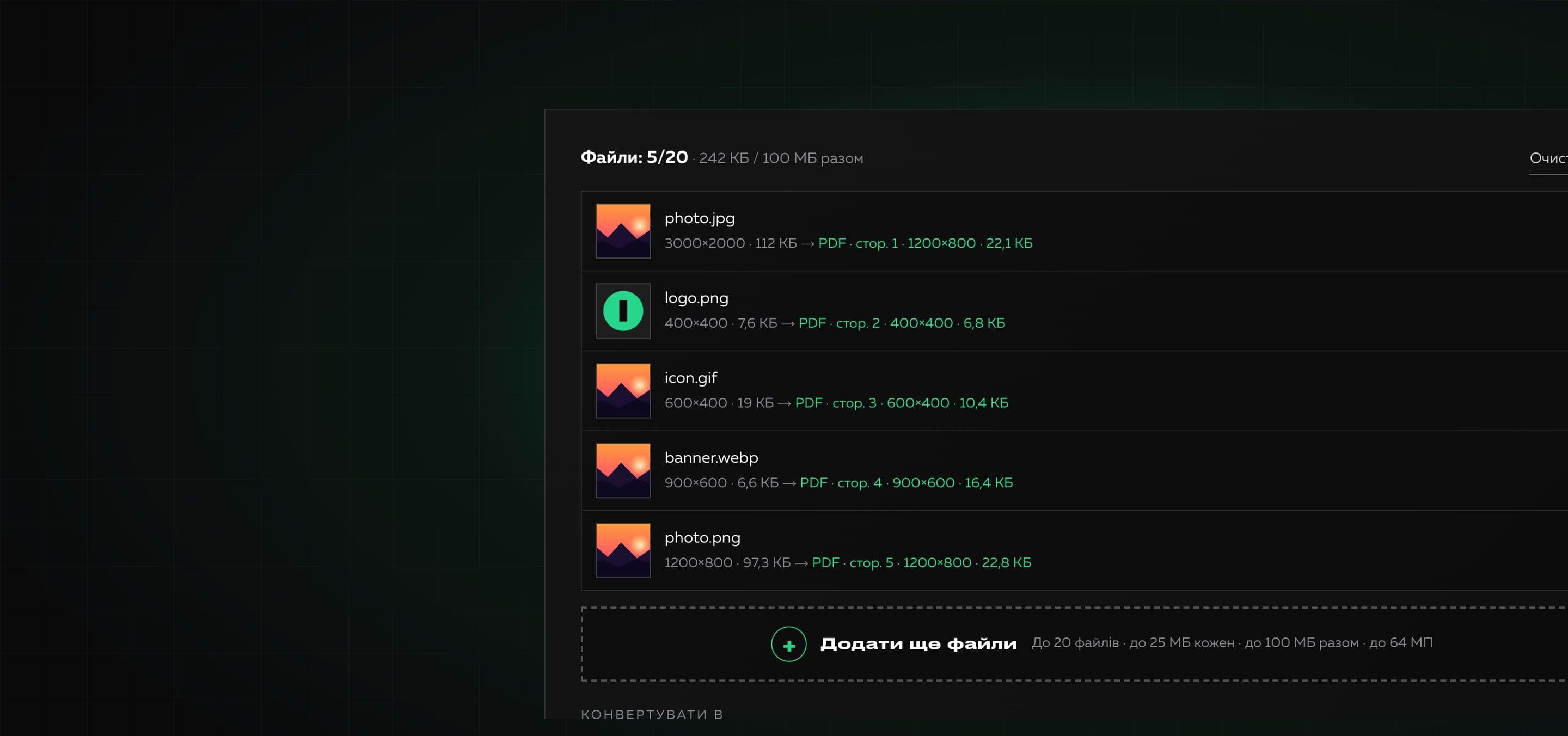
Document scans, photos of certificates and screenshots often have to be sent as a single file. The tool assembles images into a PDF: each becomes its own page in the order added, and you choose the page size.
Add files, choose the PDF format and the mode: one document for all images or a separate PDF for each. The page can match the picture size, or be A4 or Letter with the image centred.
Popular scenarios
The same tool, set up for a specific task:
Why it is useful
- 01
One file instead of ten
All photos go into a single PDF that is easy to email or upload to an account.
- 02
The page size you need
Match the image, A4 or Letter. Official documents usually use A4.
- 03
Documents stay on your device
The PDF is assembled in your browser: scans of a passport or contract do not need a third-party server.
How we built it
Read on the blog
Frequently asked questions
How do I change the page order?
Pages follow the order the files were added. To change it, remove the extras and add the files again in the right sequence.
Which formats can I add?
JPG, PNG, WebP, GIF, BMP and other common images. Each becomes a PDF page.
Will the PDF be heavy?
The size depends on the number and resolution of the photos. To shrink the document, lower the quality or limit the image width before assembling.
Is there a limit on pages?
Up to 20 images at a time, up to 25 MB each, plus a shared limit on PDF size. It protects the browser tab from freezing.
Are my files uploaded to a server?
No. Everything runs in your browser; files are not uploaded or stored anywhere.
Need your own tool for your team?
We build useful online tools and internal services: from idea and design to launch. Tell us what routine is worth removing.