Images · Free
JPG to PNG Converter Online
Turn JPG into PNG when an editor or layout requires that format. No sign-up, files stay in your browser.
Files are processed in your browser and are not sent anywhere. Metadata (EXIF, GPS) is not carried into the result.
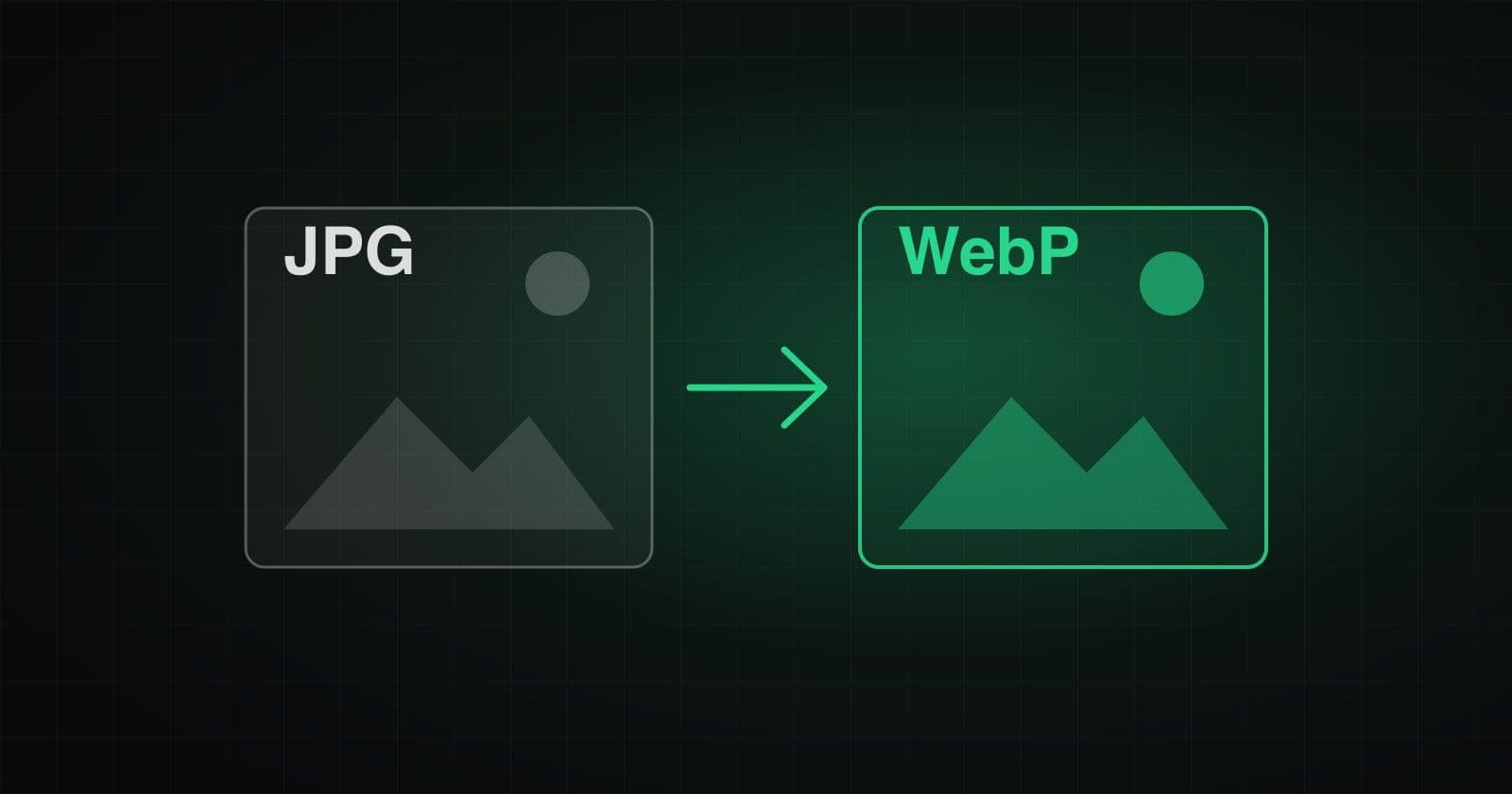
PNG is needed when an image is edited further without new losses, placed into a layout or presentation, or when a service accepts only this format. Converting JPG to PNG adds no detail, but it also stops new distortions from piling up on each following save.
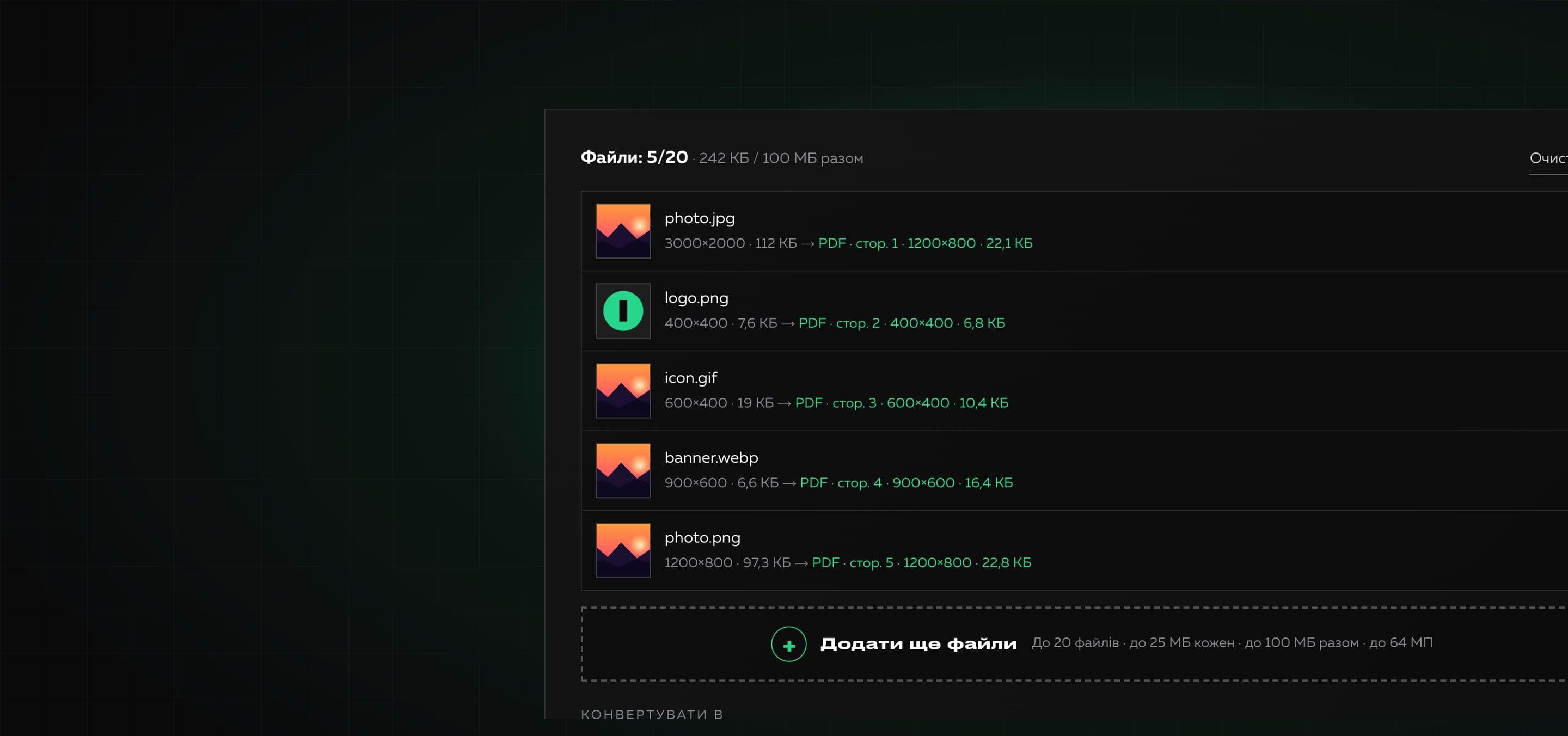
Add JPG files, keep the PNG format and press “Convert”. Remember that PNG is usually much bigger than JPG, especially for photos: use it only where it is really needed.
Popular scenarios
The same tool, set up for a specific task:
Why it is useful
- 01
No cumulative loss
PNG is lossless, so repeated saves after editing do not degrade the image.
- 02
The format services ask for
Some forms, layouts and programs accept only PNG.
- 03
Resize in the same step
Set a width or height if needed; proportions are kept.
How we built it
Read on the blog
Frequently asked questions
Will PNG improve photo quality?
No. Losses that JPG already introduced when compressing are not restored. PNG only freezes the image as it is.
Why is the PNG so big?
PNG compresses losslessly, and photos compress poorly this way. For publishing photos on a website JPG or WebP is better.
Will transparency appear?
No, JPG has no transparent areas, so the PNG will be fully opaque. Removing a background must be done in a graphics editor.
How many files can I process?
Up to 20 at a time, up to 25 MB each. You can download the result as a ZIP.
Are my files uploaded to a server?
No. Everything runs in your browser; files are not uploaded or stored anywhere.
Need your own tool for your team?
We build useful online tools and internal services: from idea and design to launch. Tell us what routine is worth removing.