Images · Free
JPG to WebP Converter Online
Cut the weight of website photos by turning JPG into WebP. Batch mode, quality and size options, no sign-up.
Files are processed in your browser and are not sent anywhere. Metadata (EXIF, GPS) is not carried into the result.
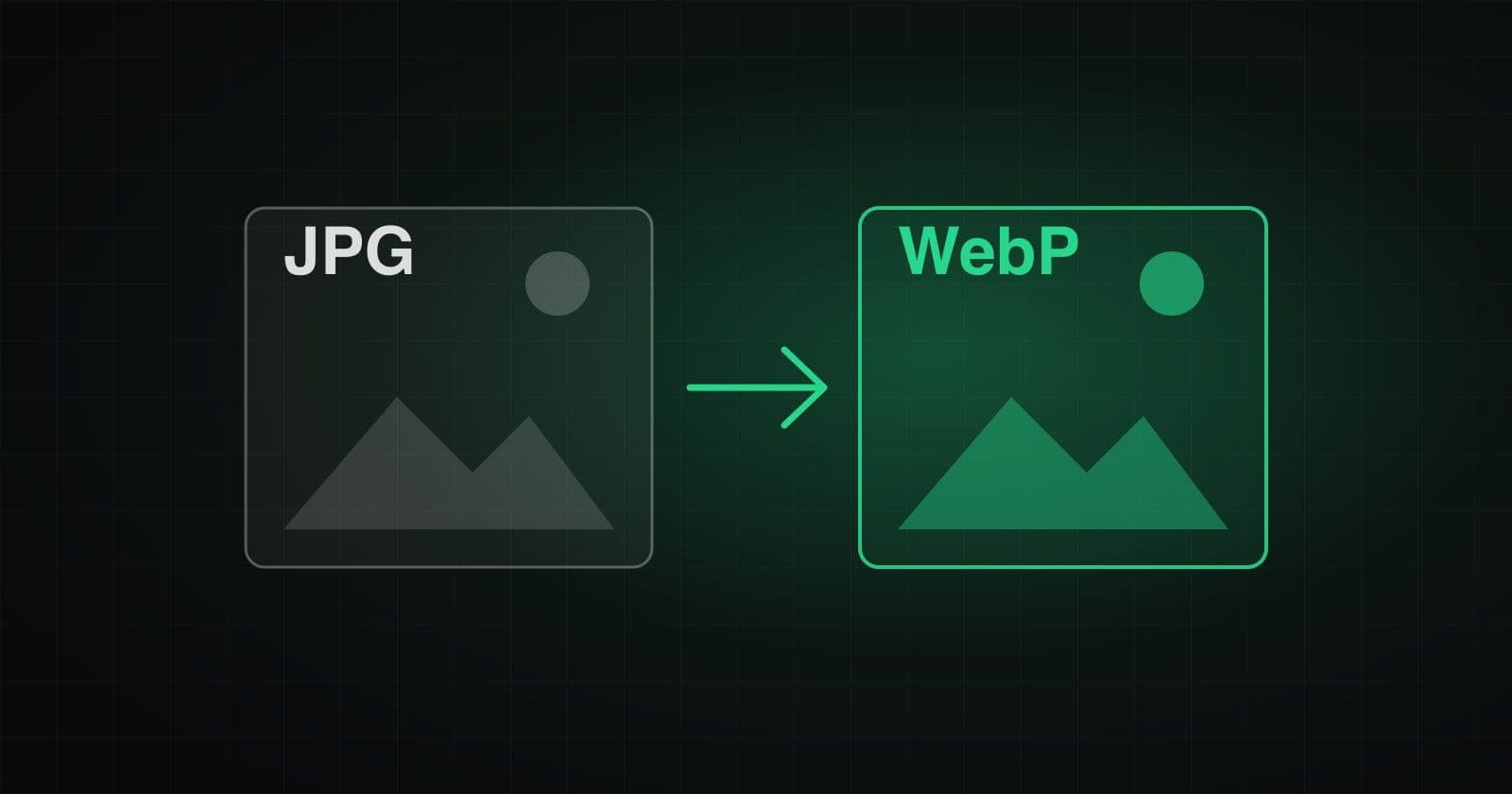
Photos usually make up most of a page’s weight. At the same visual quality WebP gives a noticeably smaller file than JPG, so switching photos to WebP is one of the simplest ways to speed up a site.
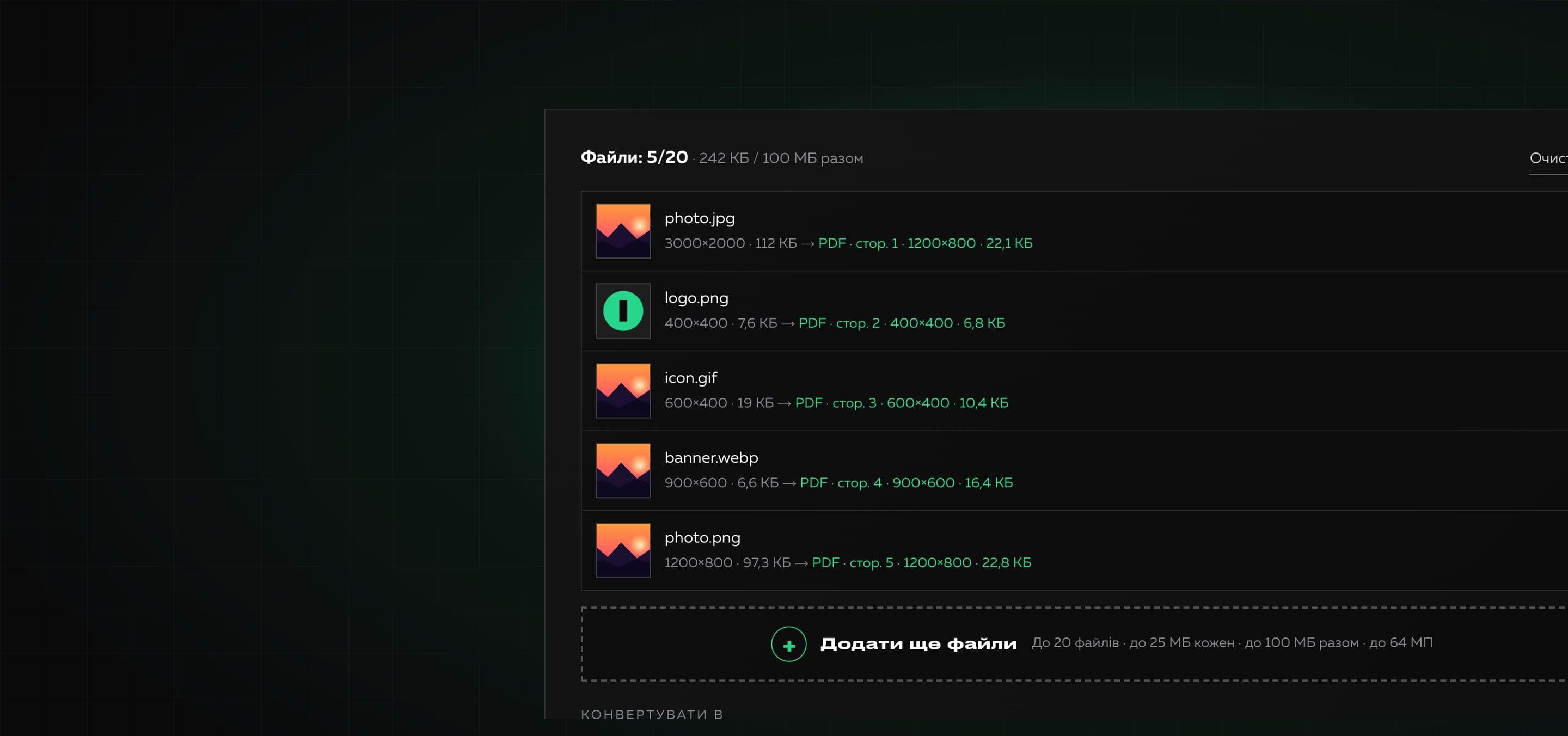
Add JPG files (up to 20 at a time), keep WebP and, if needed, limit the width, for example to 1920 pixels. Quality 80–85 is enough for most photos. You can compare the result with the source file by size right away.
Popular scenarios
The same tool, set up for a specific task:
Why it is useful
- 01
Fewer megabytes per page
Lighter photos load faster, which matters for mobile traffic and search rankings.
- 02
Batch processing
Optimize a whole catalog or gallery in one pass and download it as a ZIP.
- 03
Quality control
The quality slider and size limit help you find the balance between looks and weight.
How we built it
Read on the blog
Frequently asked questions
Is WebP better than JPG?
At the same visual quality WebP is usually smaller. That is why it is recommended for websites, while JPG is kept for cases that need compatibility with old programs.
Is quality lost on repeated compression?
Yes, JPG and WebP are lossy and every re-encode adds small distortions. Convert from the best available original, not from an already compressed copy.
What photo width should I choose for a website?
1920 pixels is enough for wide blocks, much less for cards and thumbnails. Oversized images add weight with no visible gain.
Can I turn WebP back into JPG?
Yes, on the neighbouring “WebP to JPG” page. But it is better to keep originals and make WebP from them.
Are my files uploaded to a server?
No. Everything runs in your browser; files are not uploaded or stored anywhere.
Need your own tool for your team?
We build useful online tools and internal services: from idea and design to launch. Tell us what routine is worth removing.